
Marriage biodata templates
Layouts with the sections Indian families commonly use — painted floral covers, framed classics, clean modern sheets and more. Fill in the form once, see your details in every design, then download a clean A4 PDF.
See a finished biodata (PDF)- 34
- Available designs
- 11
- Language options
- A4
- Ready to print
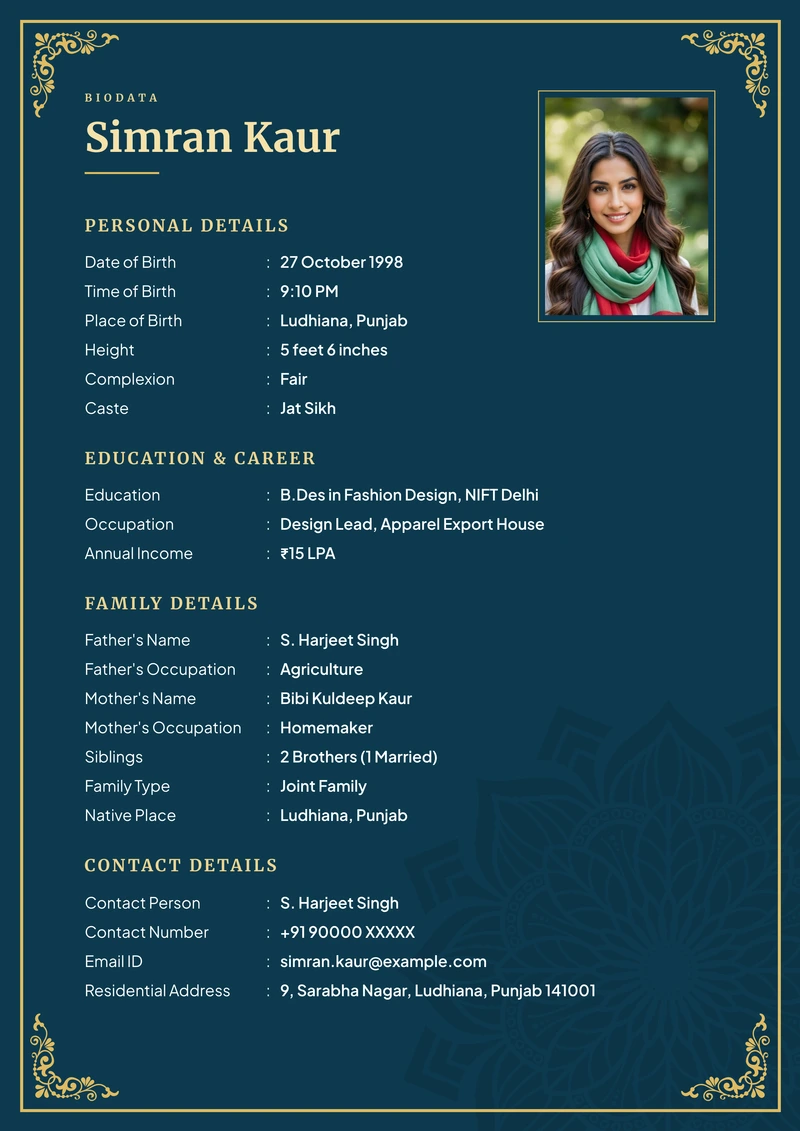
Classic Royal
Blue · Ornament · RichPreview this design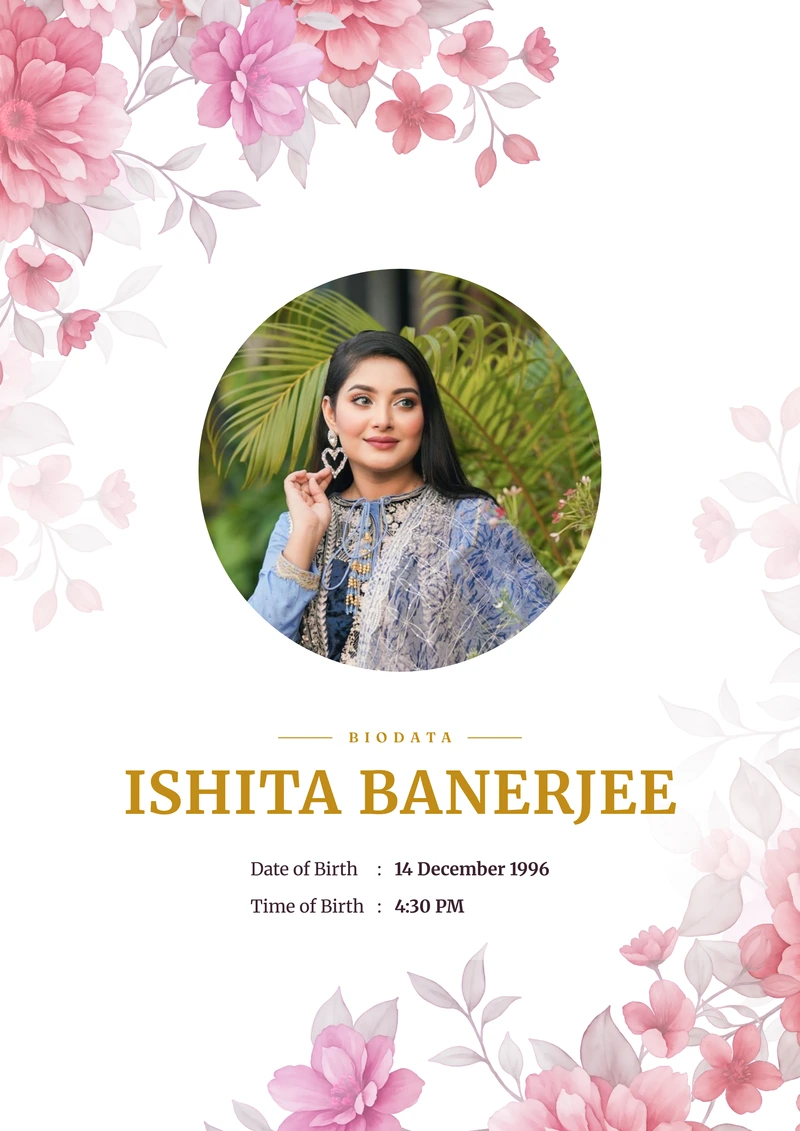
Blush Peony
Pink · Peonies · Soft floralPreview this design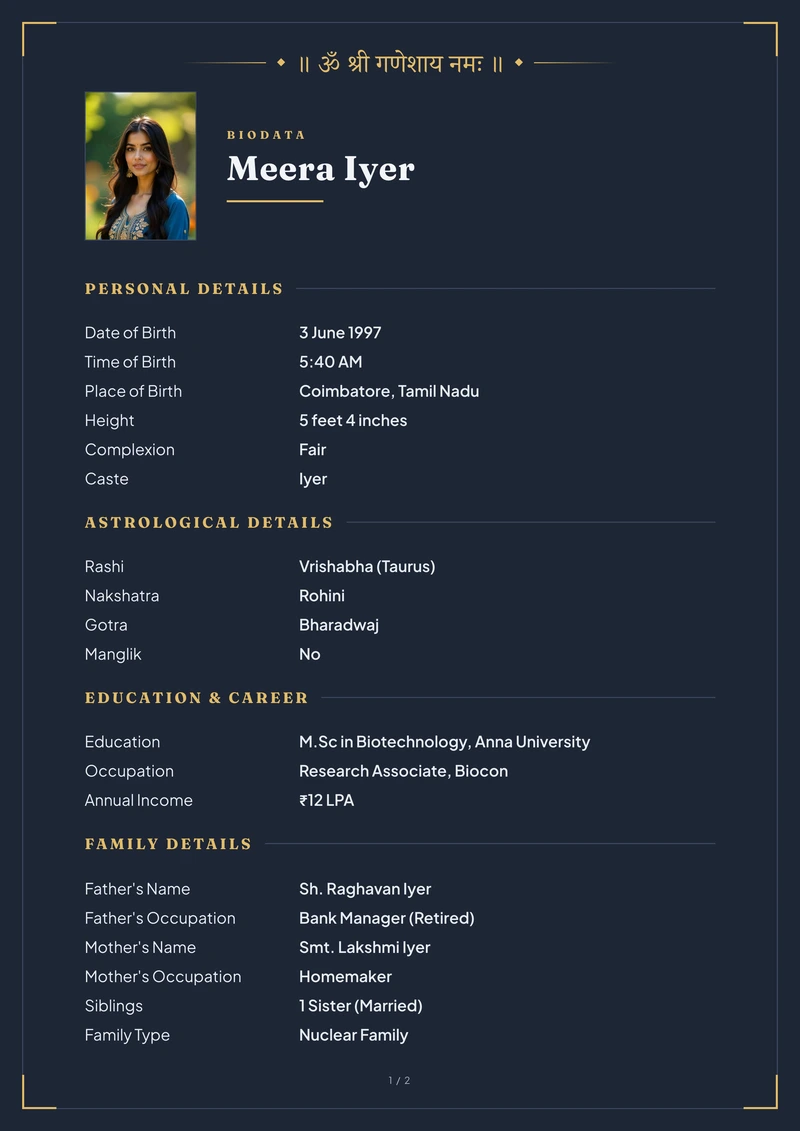
Midnight
Midnight · Plain · FormalPreview this design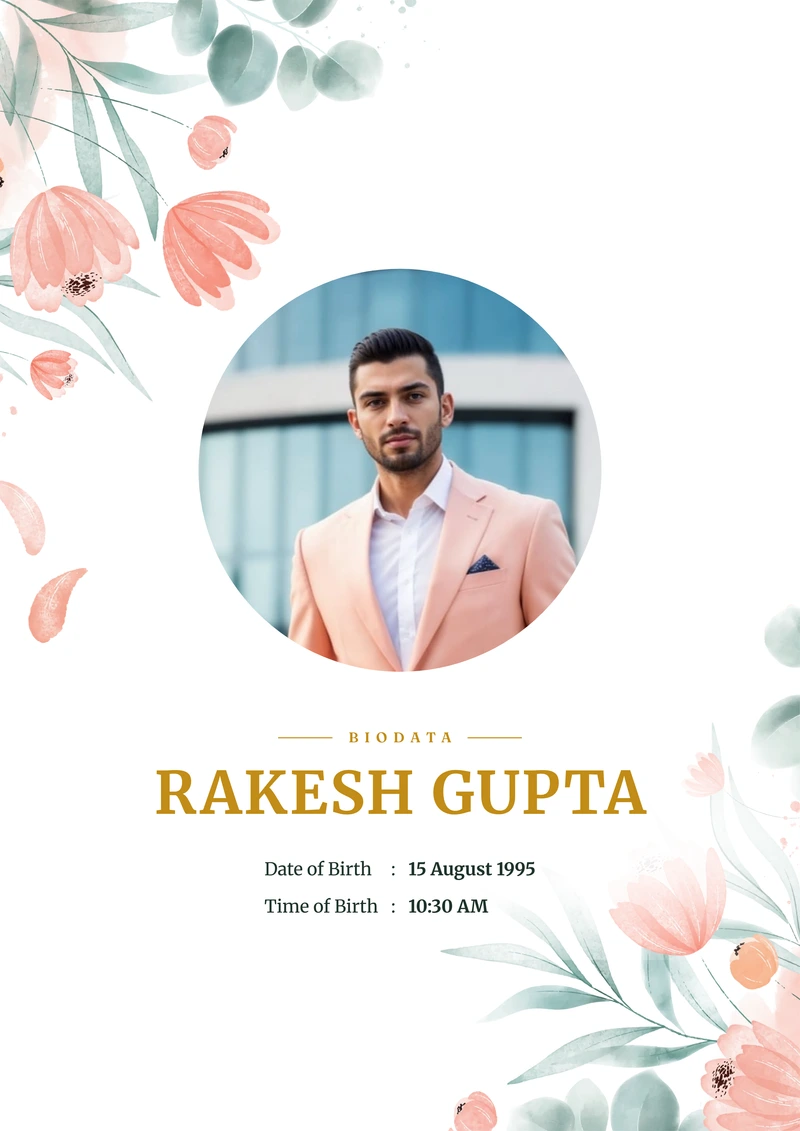
Coral Bloom
Coral · Tulips · WarmPreview this design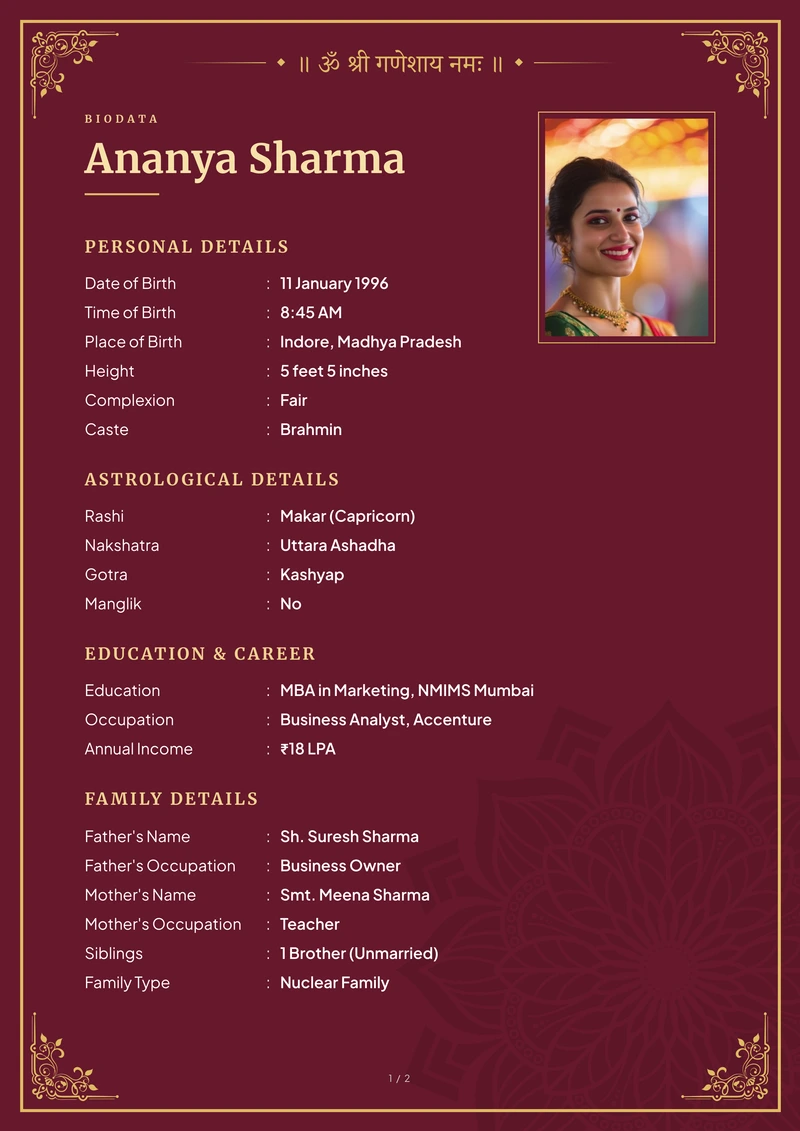
Classic Maroon
Maroon · Ornament · RichPreview this design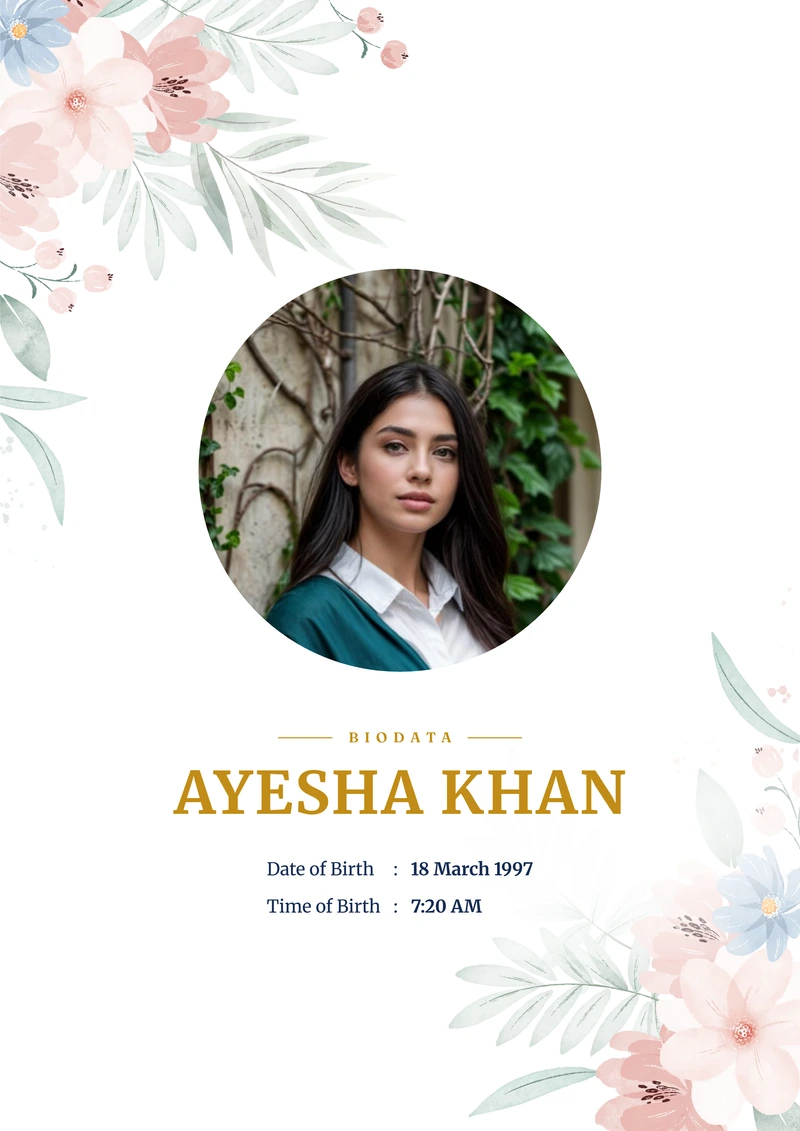
Powder Rose
Blush · Cornflowers · UnderstatedPreview this design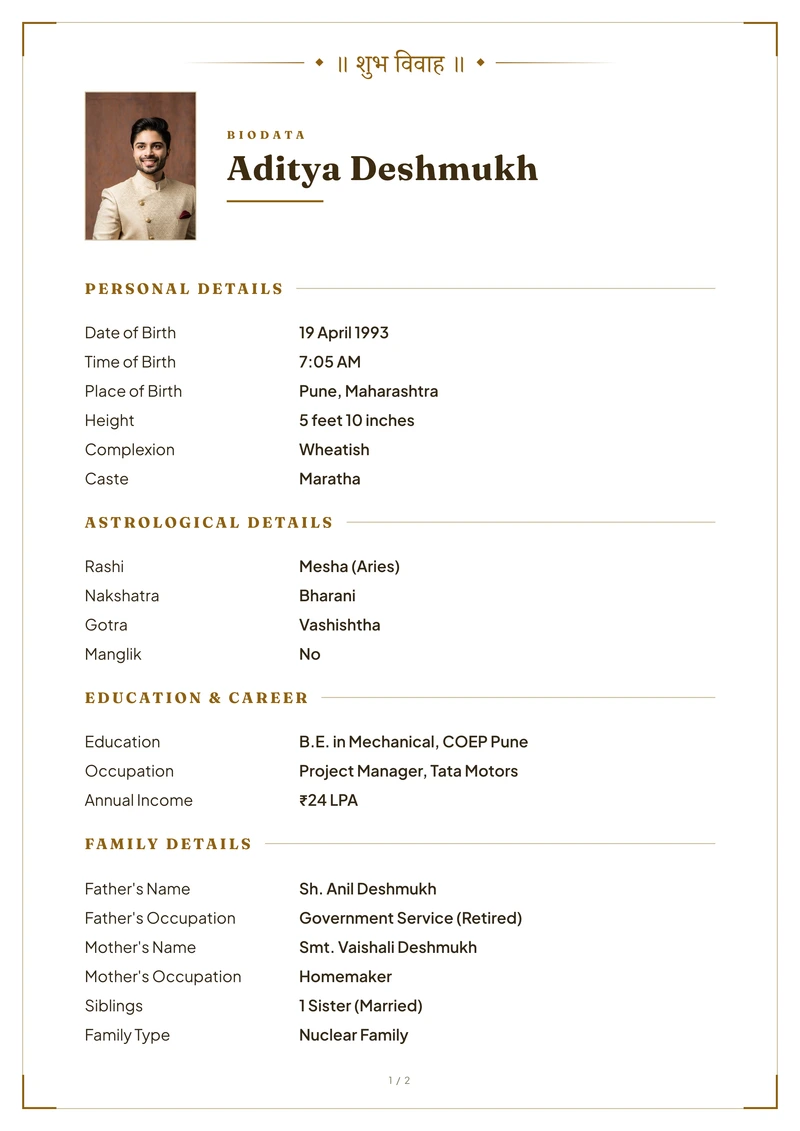
Modern Gold
Gold · Plain · FormalPreview this design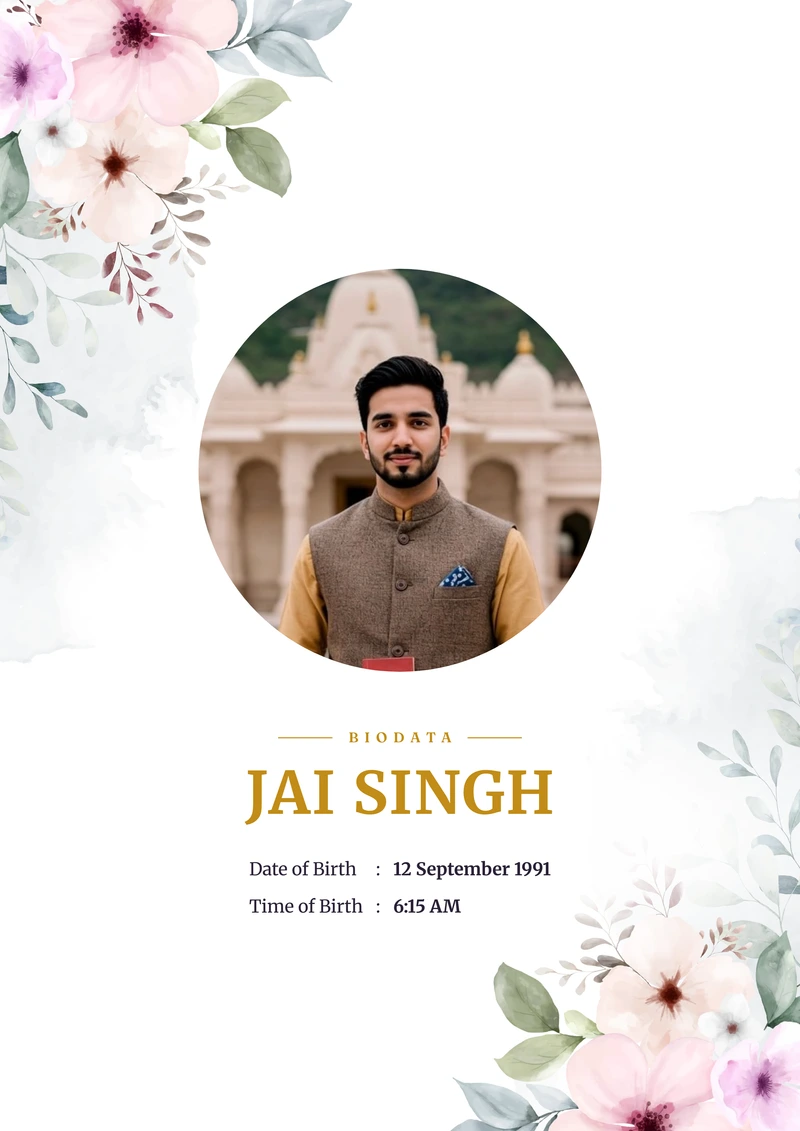
Mauve Garden
Mauve · Roses · FormalPreview this design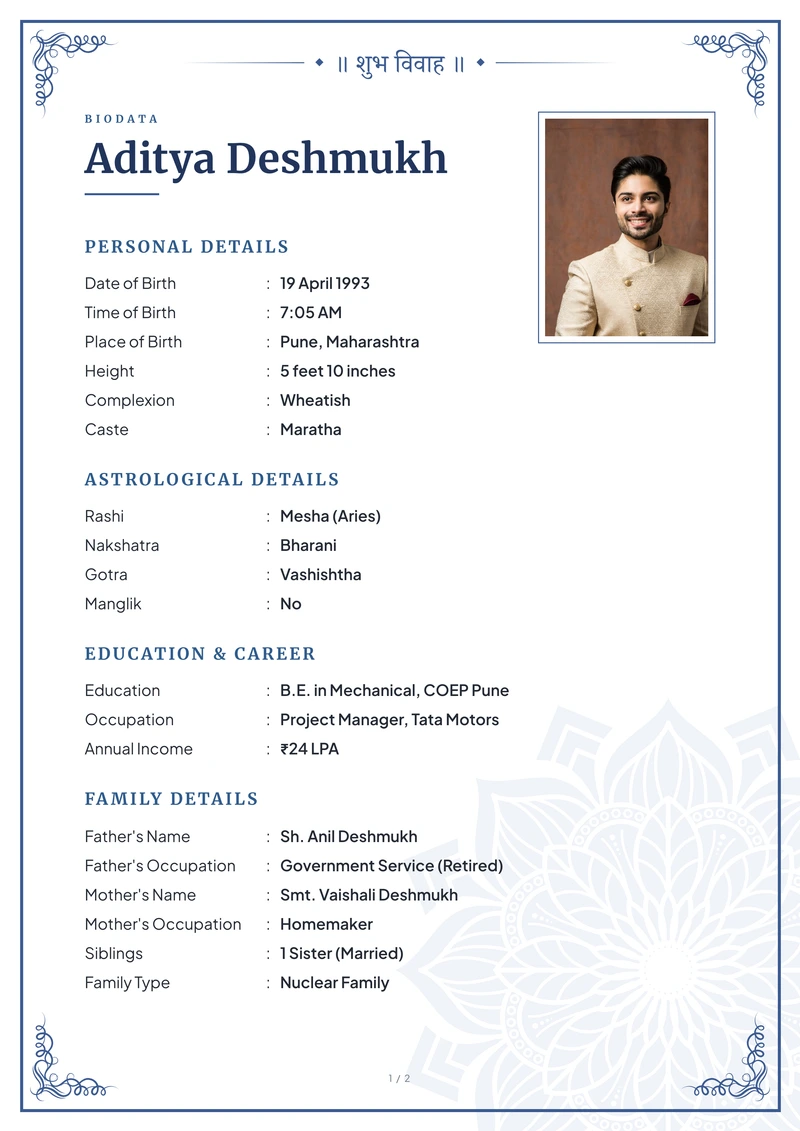
Classic Indigo
Blue · Ornament · PrecisePreview this design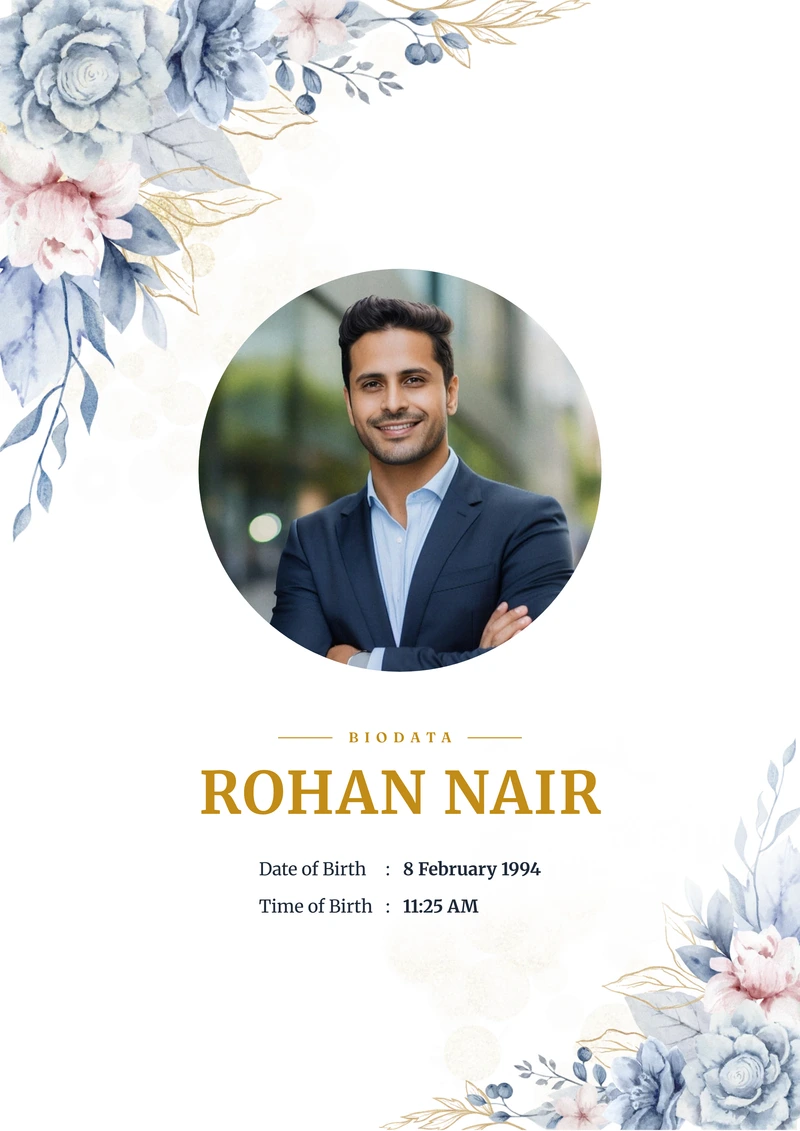
Indigo Rose
Blue · Roses · FormalPreview this design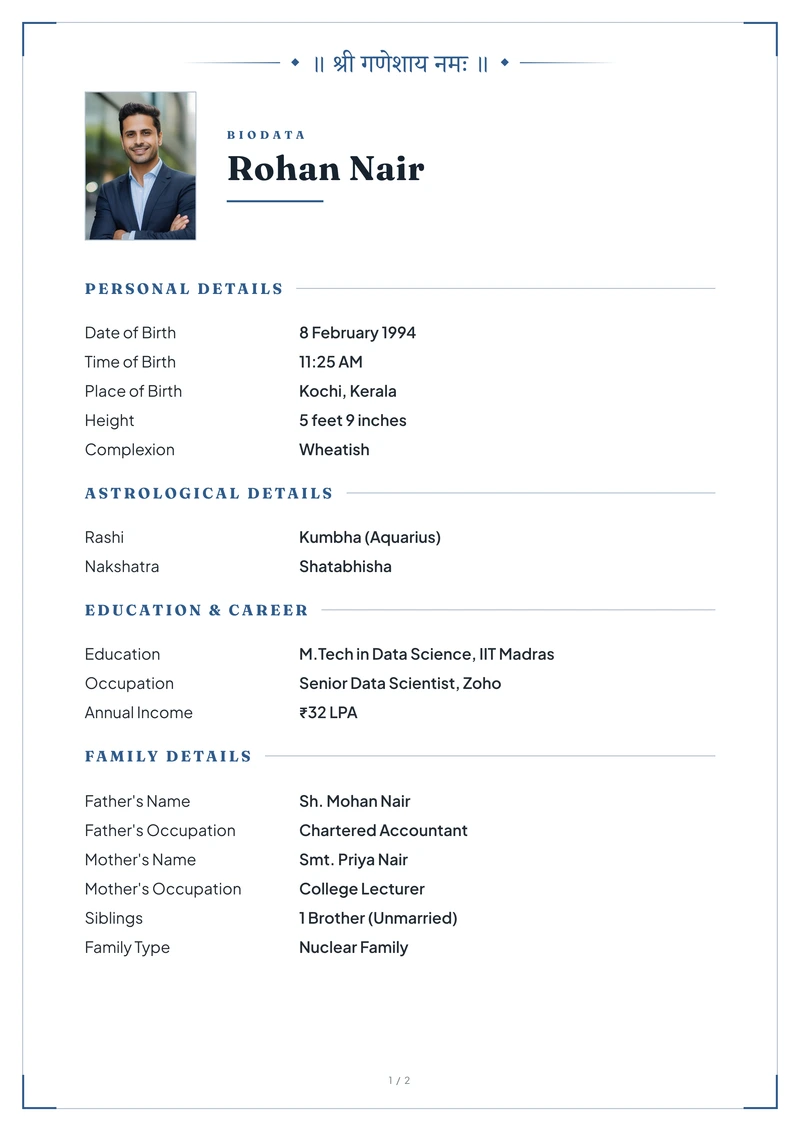
Slate
Blue · Plain · FormalPreview this design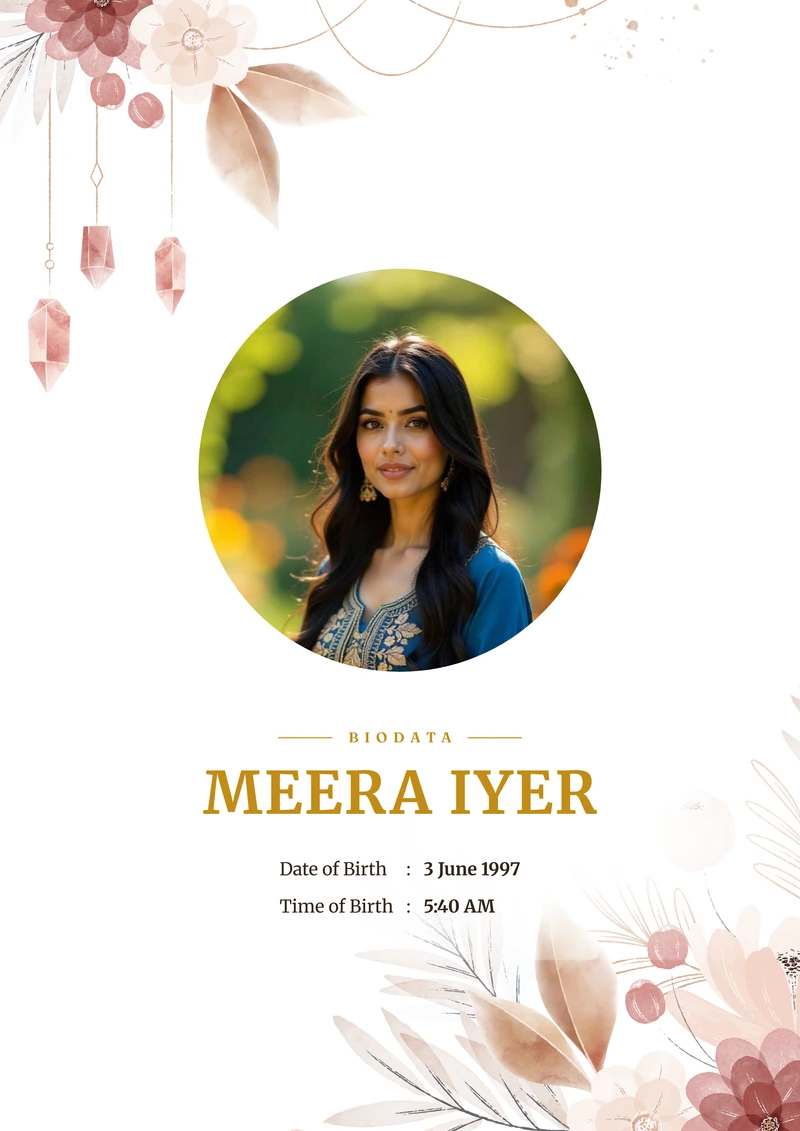
Terracotta
Rust · Pampas · ModernPreview this design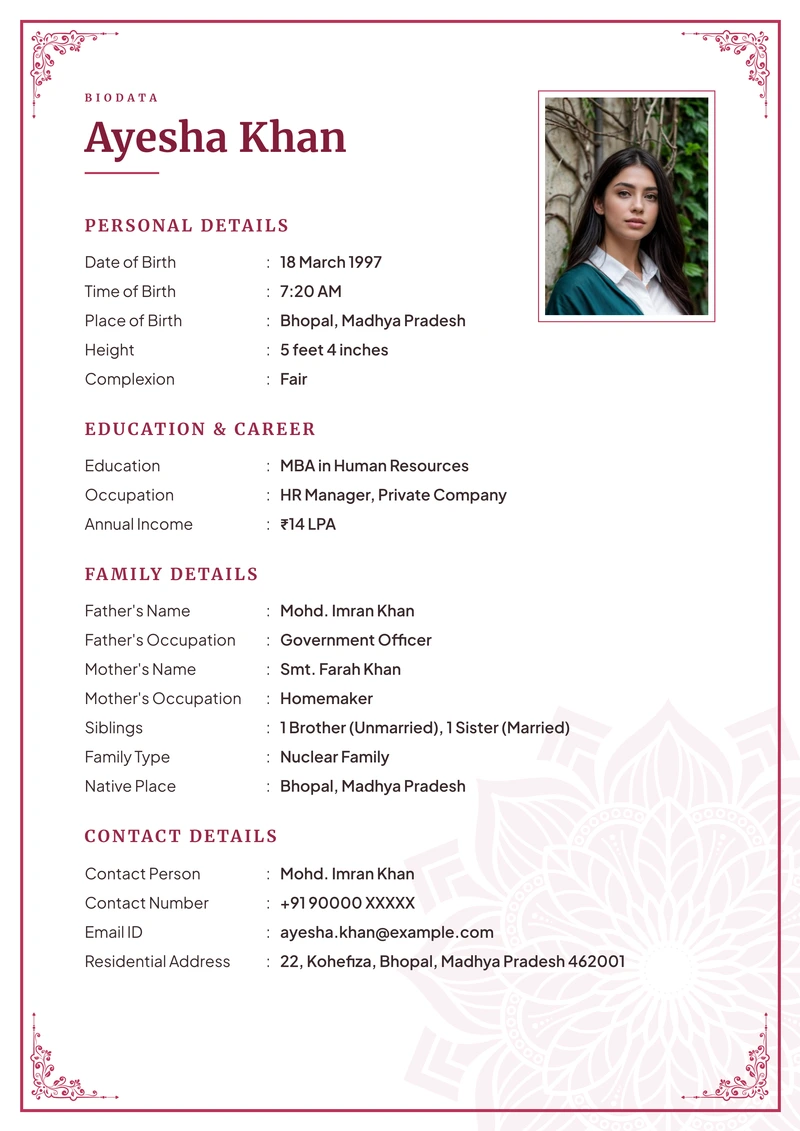
Rose
Rose · Ornament · WarmPreview this design
Sage Bloom
Green · Foliage · CalmPreview this design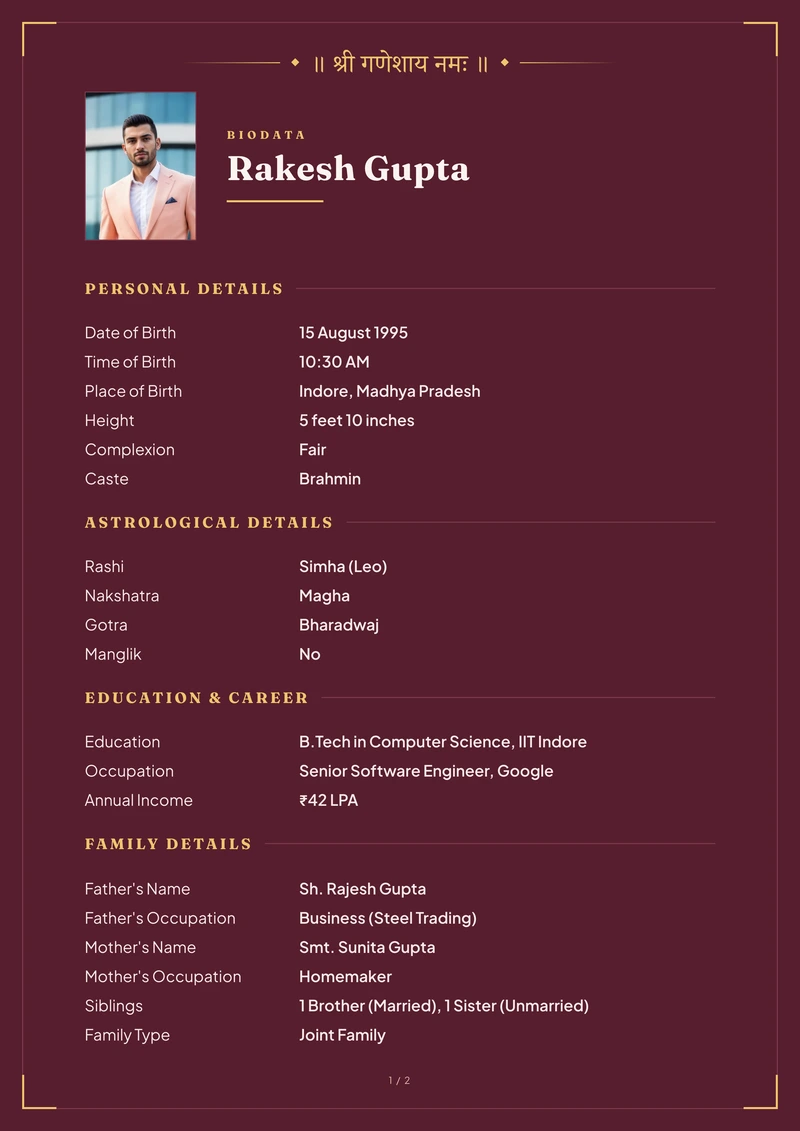
Modern Maroon
Maroon · Plain · WarmPreview this design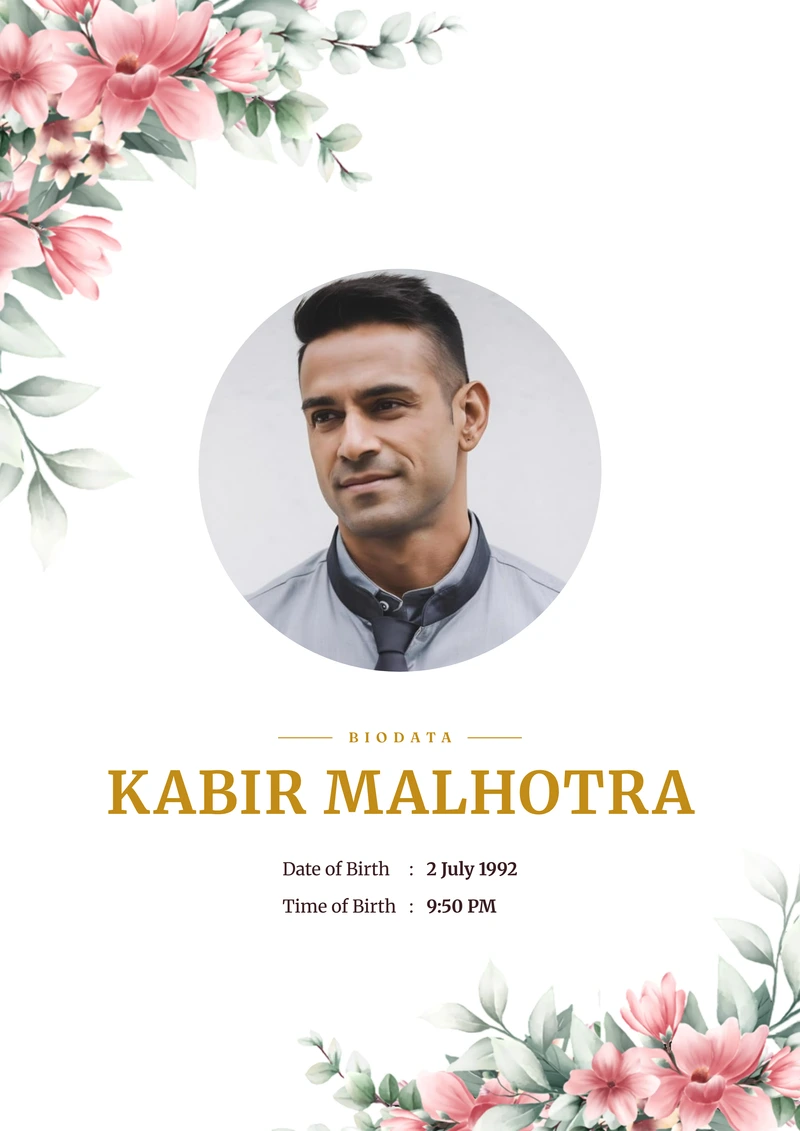
Wild Cosmos
Pink · Cosmos · LightPreview this design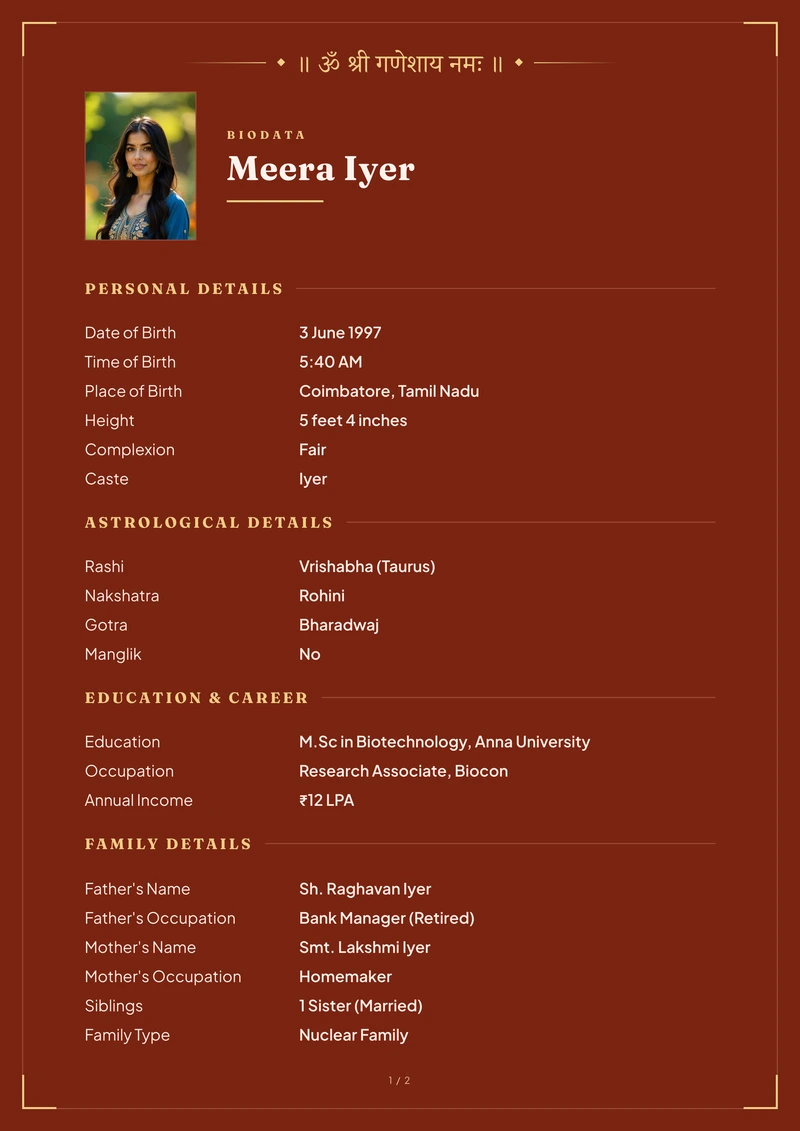
Vermilion
Vermilion · Plain · WarmPreview this design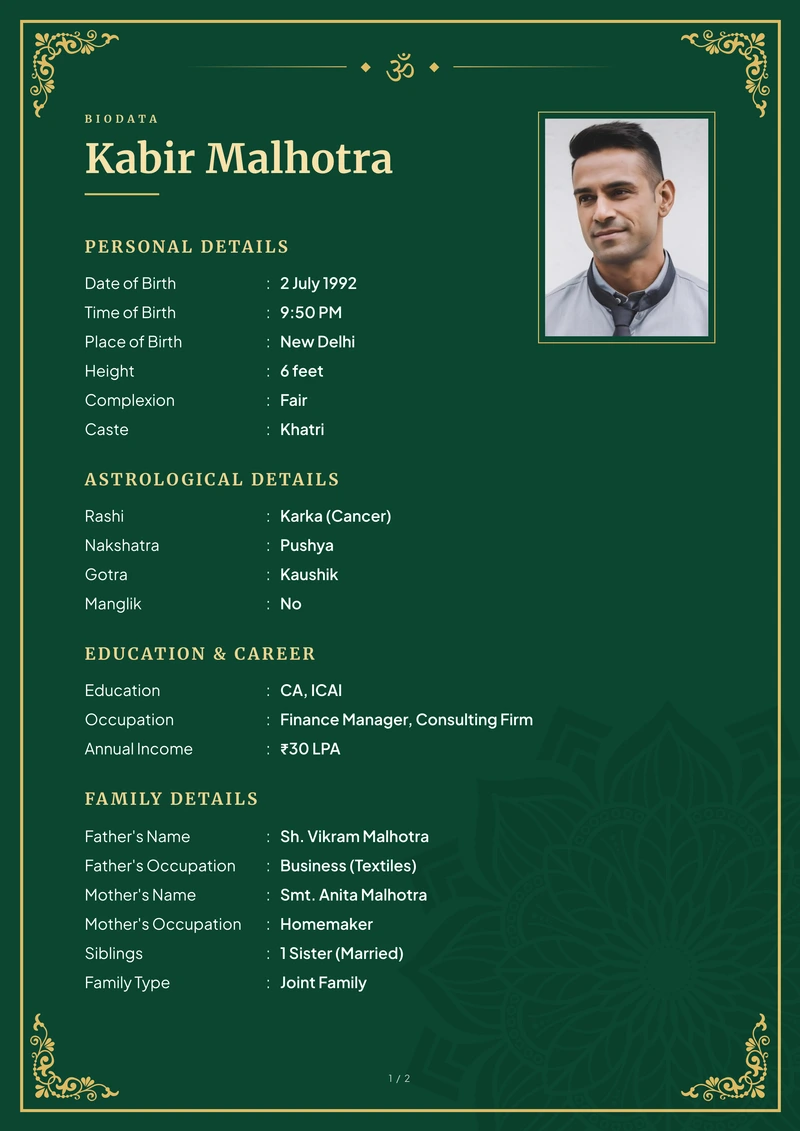
Classic Emerald
Emerald · Ornament · DeepPreview this design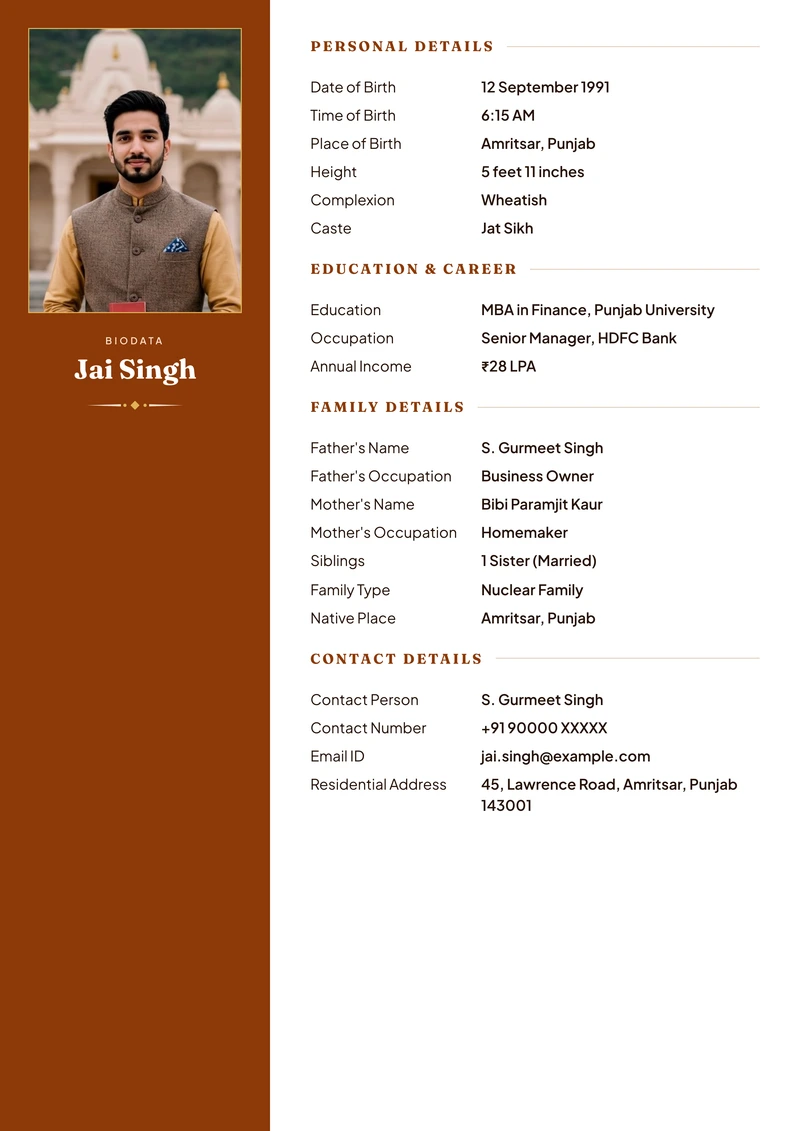
Saffron
Saffron · No ornament · WarmPreview this design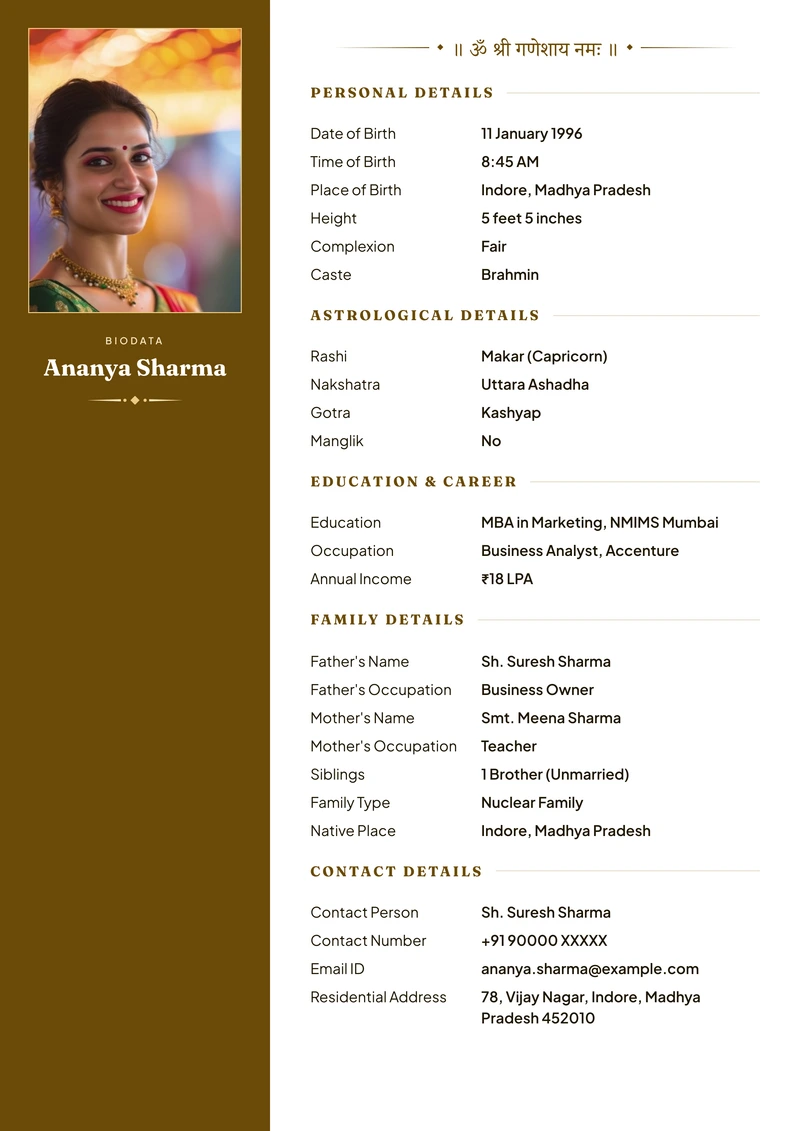
Turmeric
Turmeric · No ornament · WarmPreview this design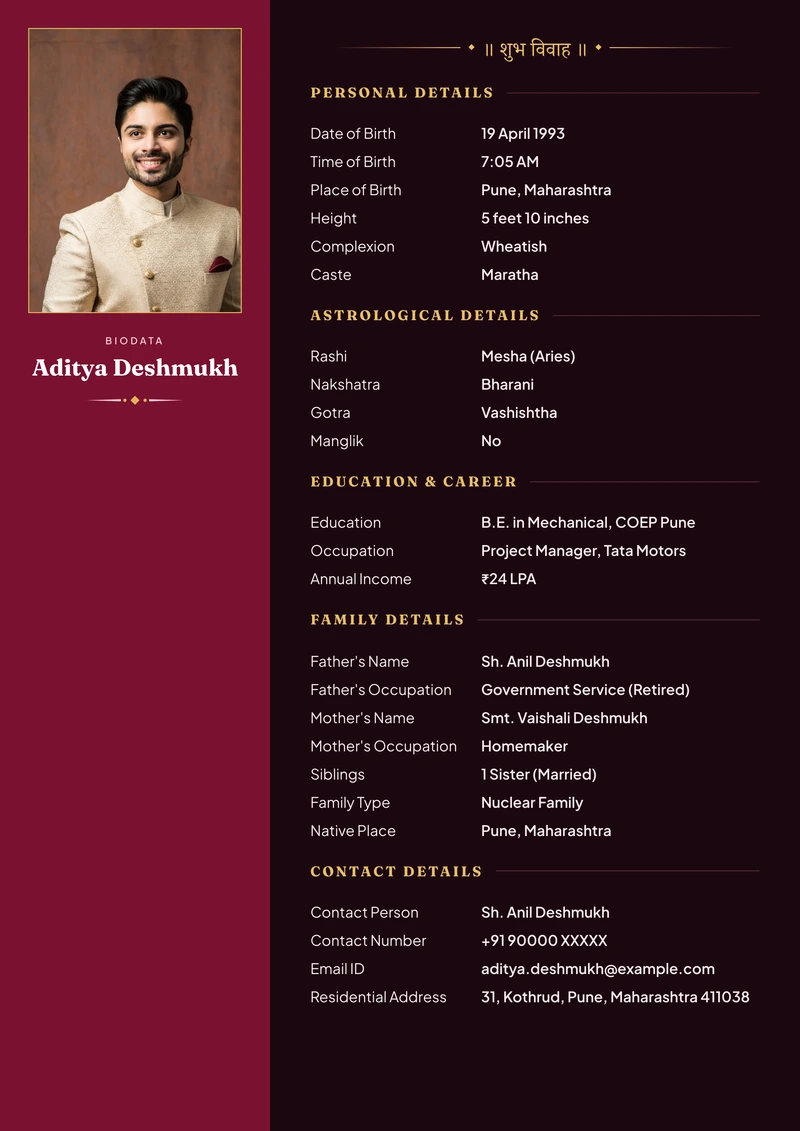
Panel Maroon
Maroon · No ornament · DarkPreview this design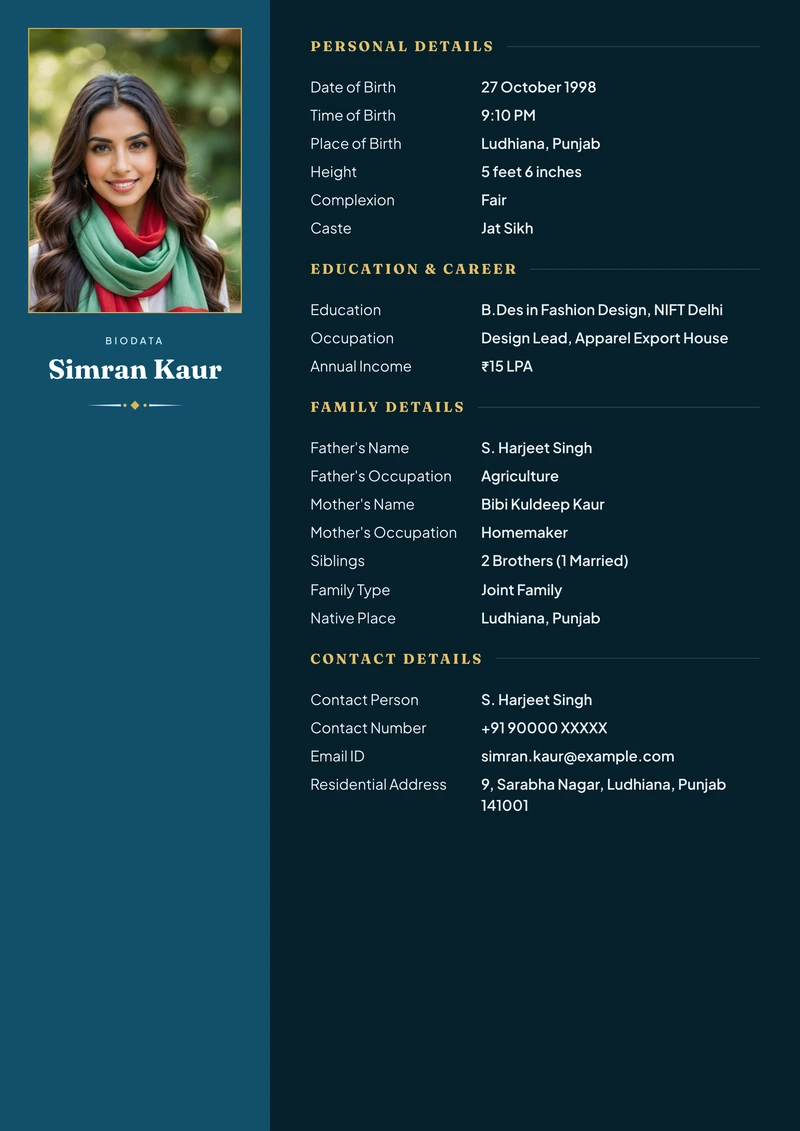
Panel Royal
Royal · No ornament · DeepPreview this design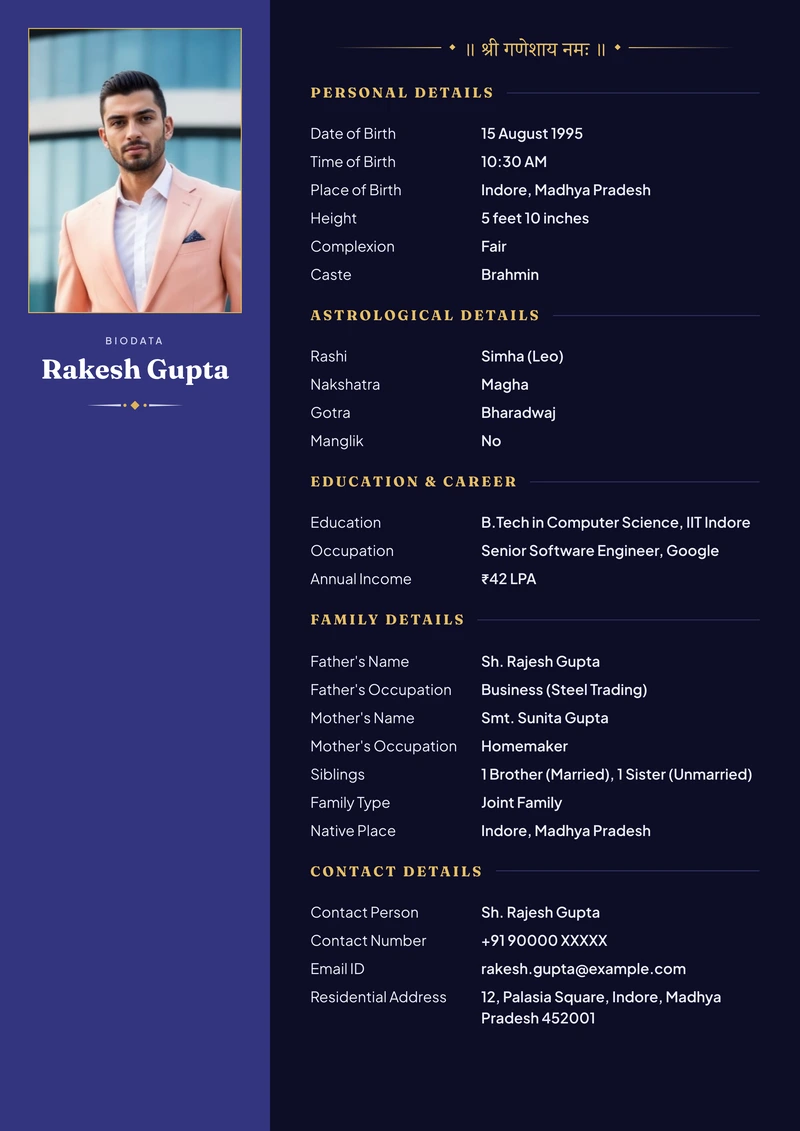
Panel Indigo
Indigo · No ornament · RegalPreview this design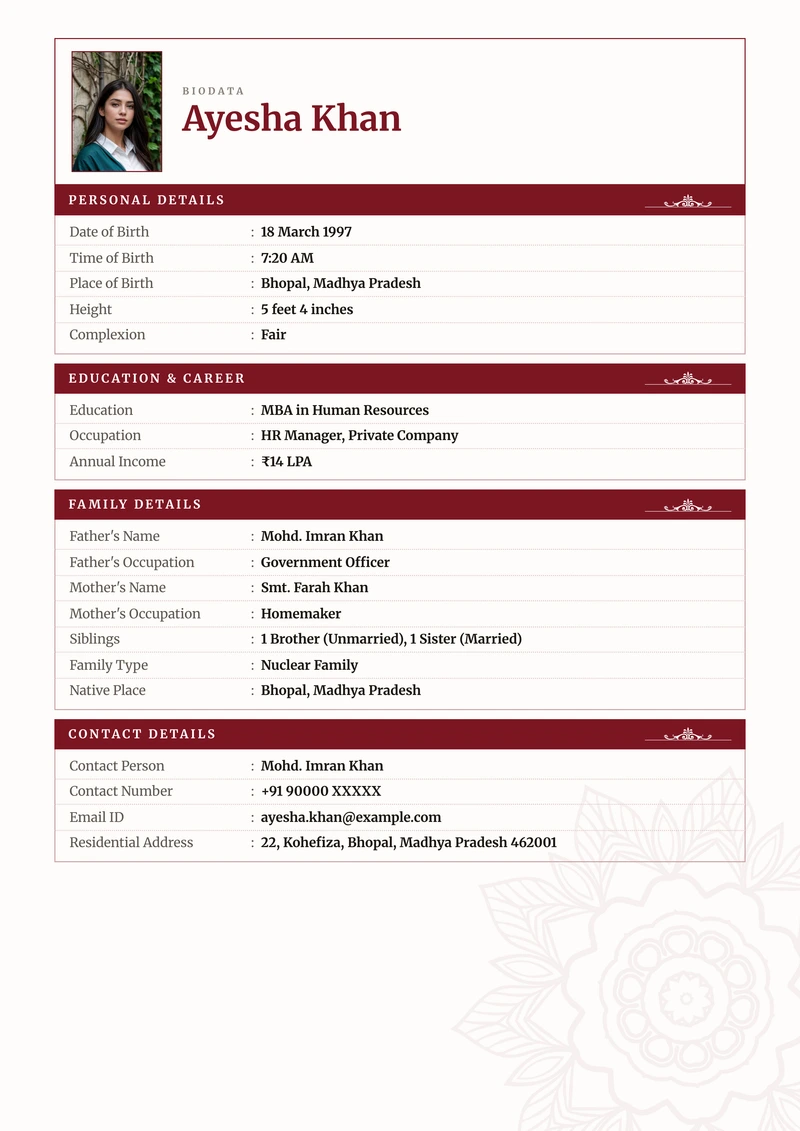
Ledger Maroon
Maroon · Ruled boxes · FormalPreview this design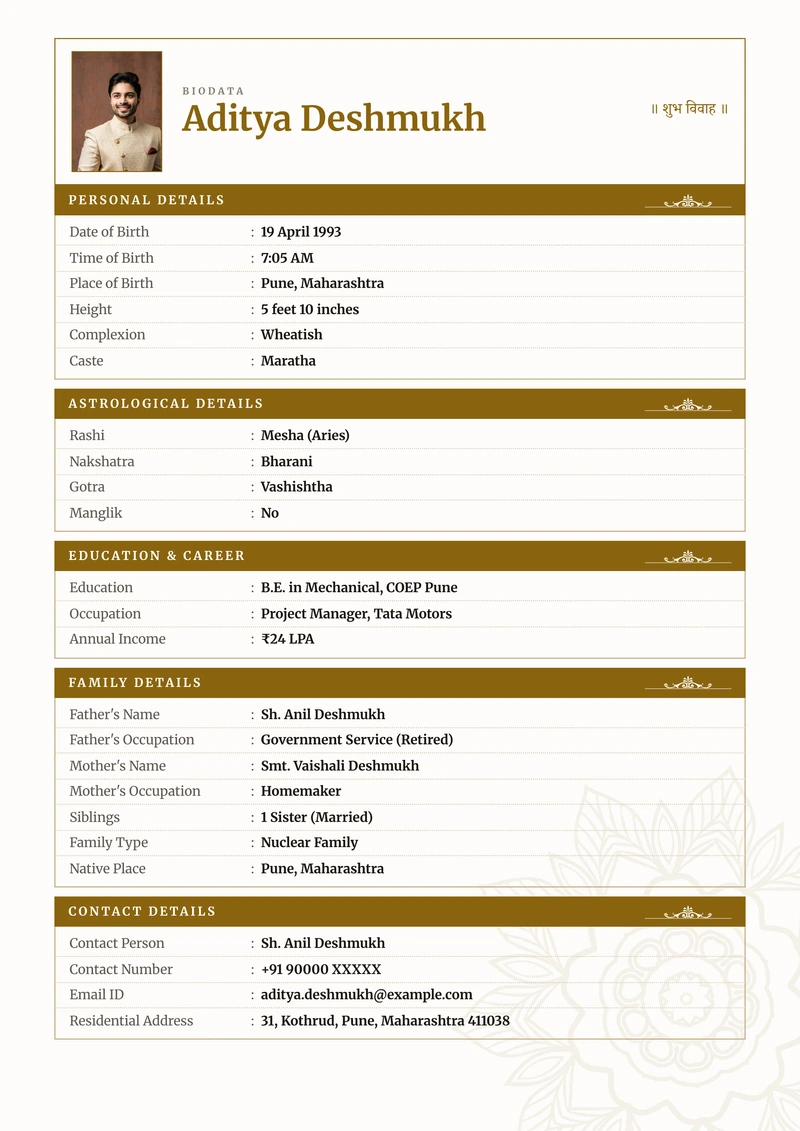
Ledger Gold
Gold · Ruled boxes · WarmPreview this design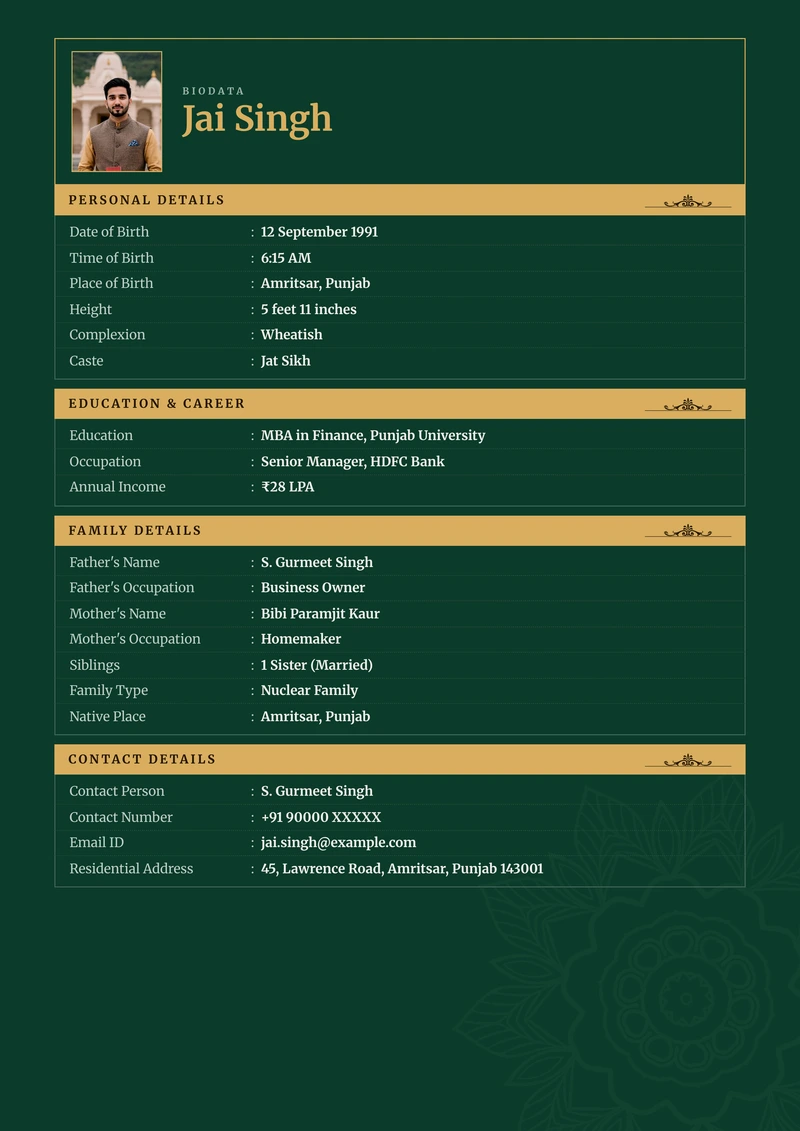
Ledger Emerald
Emerald · Ruled boxes · DeepPreview this design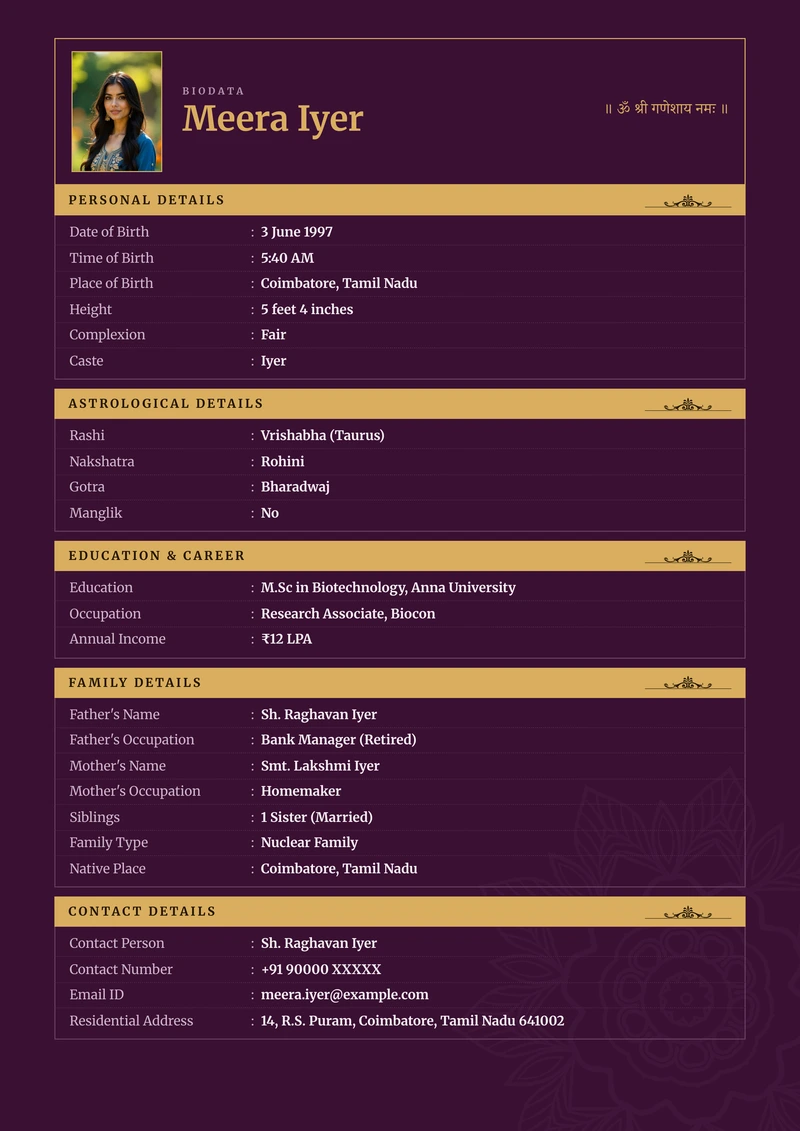
Plum
Plum · Ruled boxes · RegalPreview this design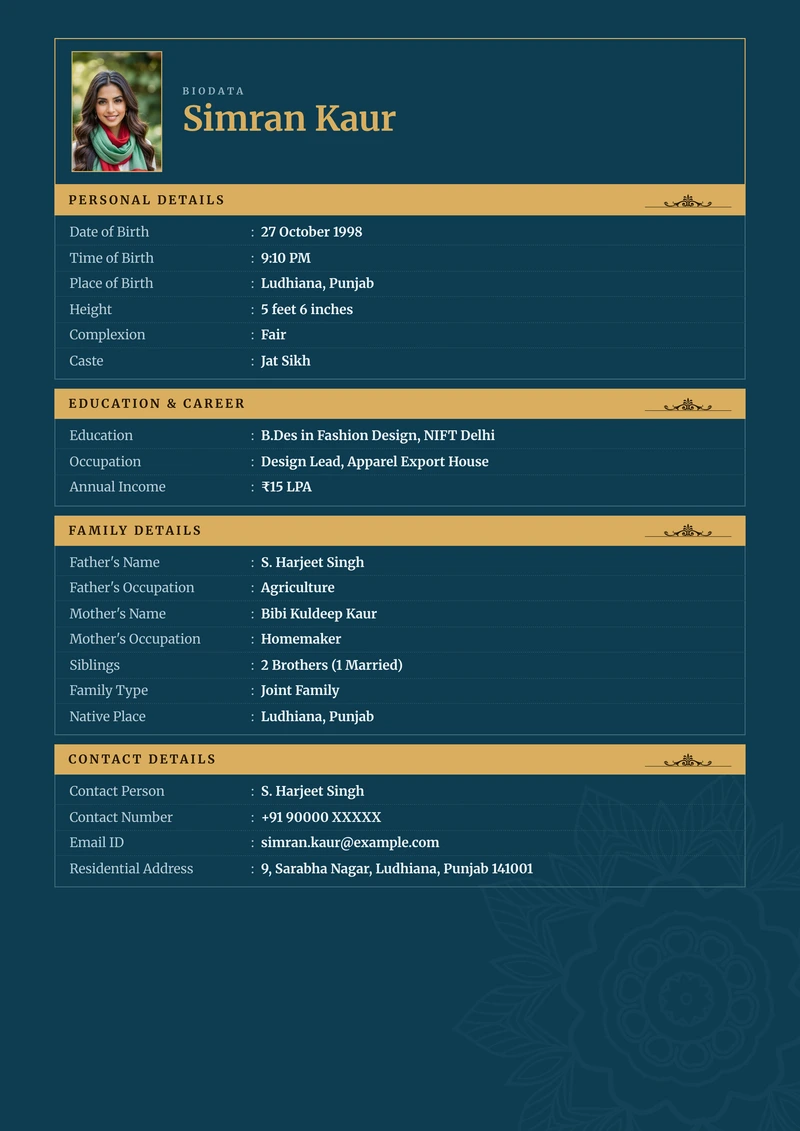
Ledger Royal
Royal · Ruled boxes · RegalPreview this design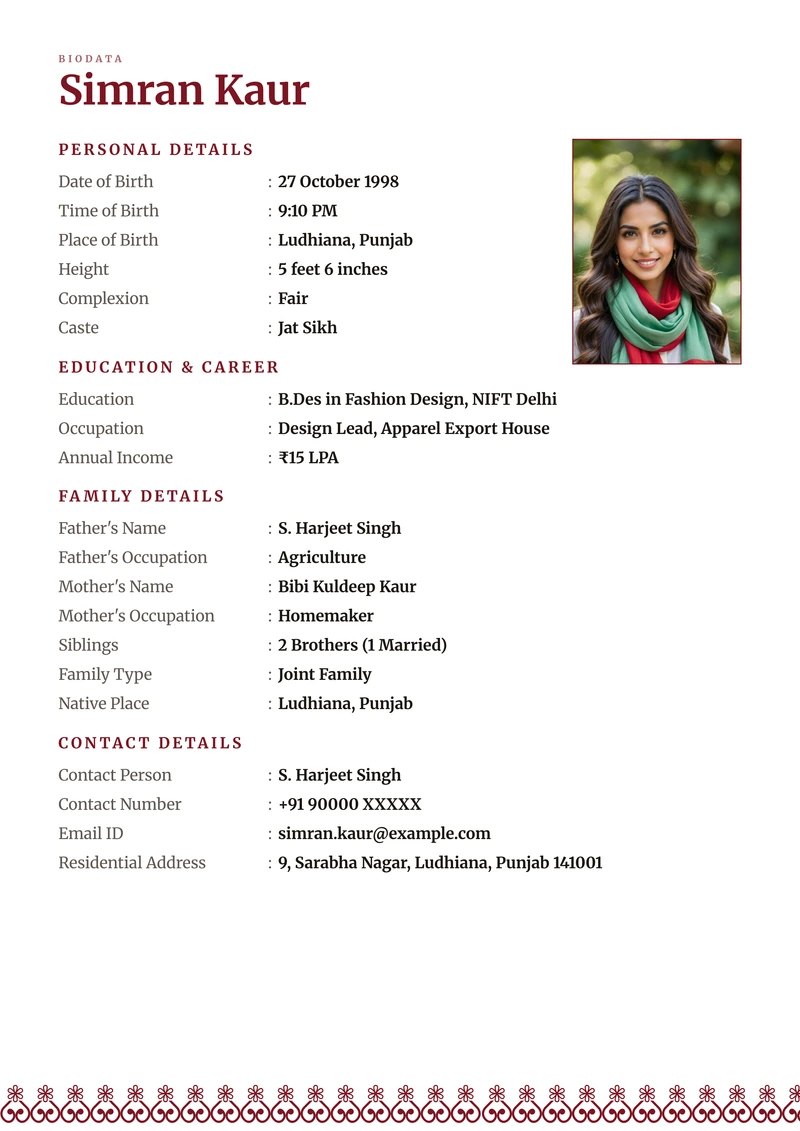
Banded Maroon
Maroon · Banded · CeremonialPreview this design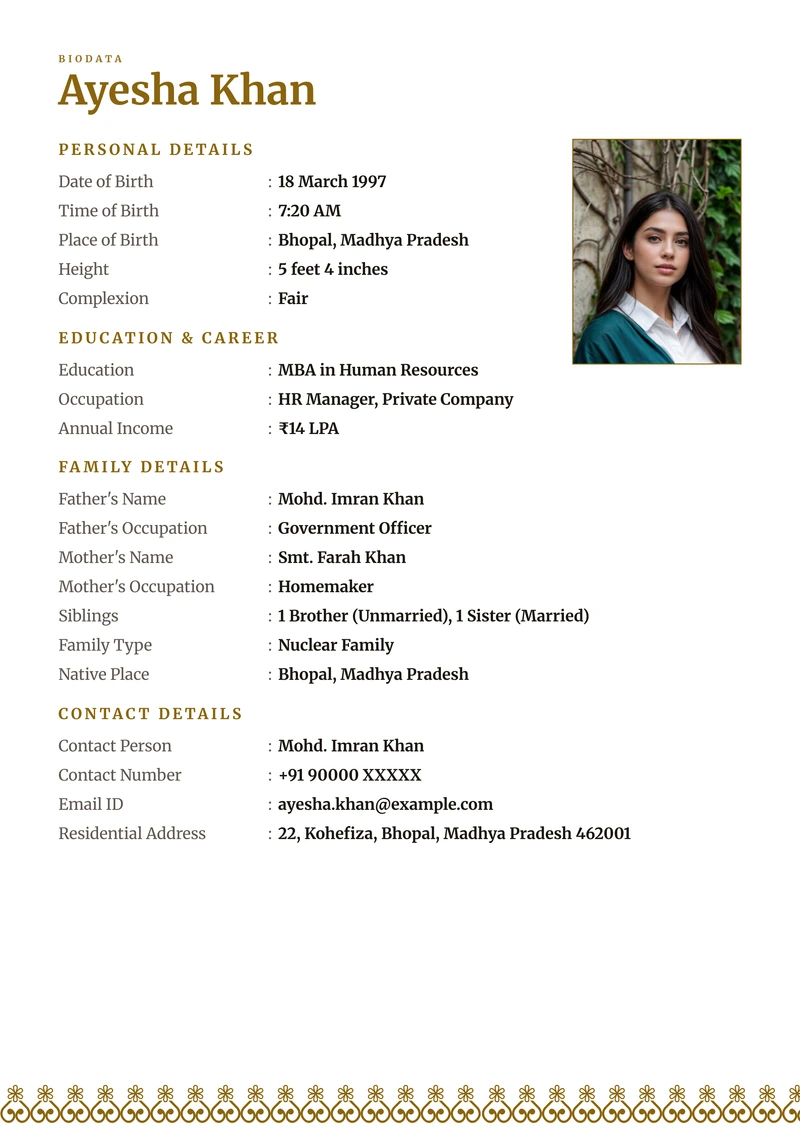
Banded Gold
Gold · Banded · WarmPreview this design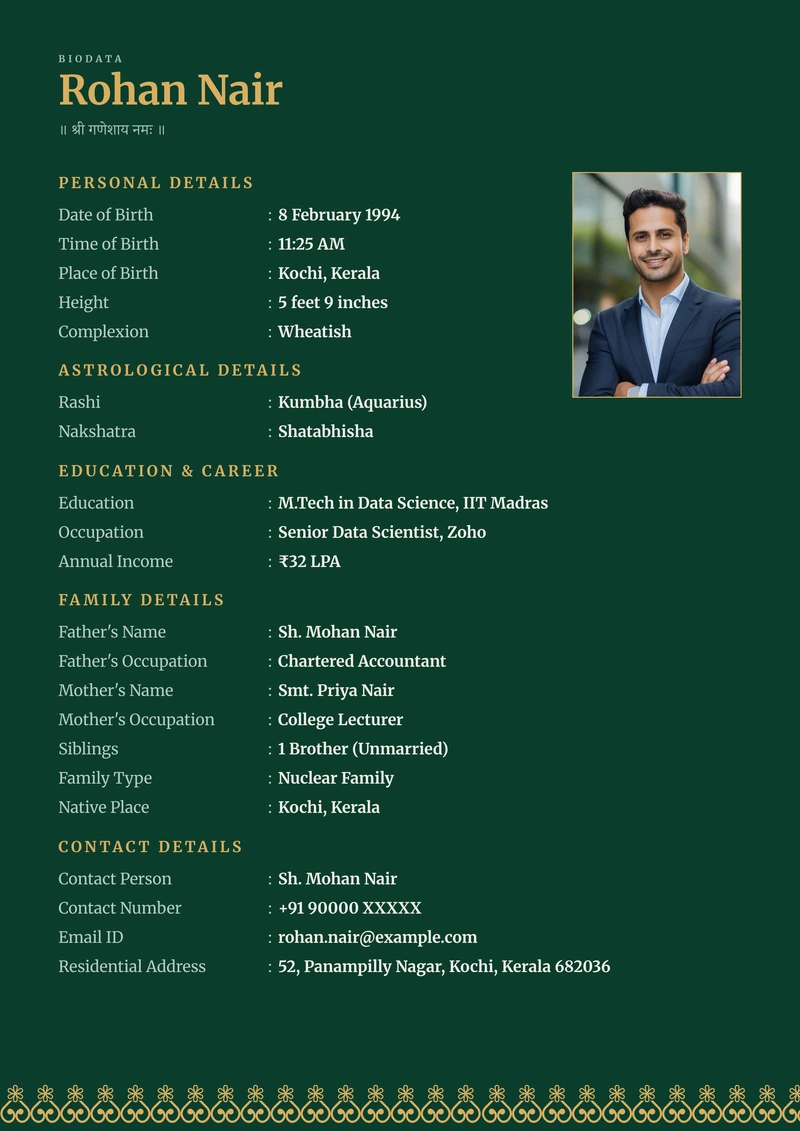
Banded Emerald
Emerald · Banded · DarkPreview this design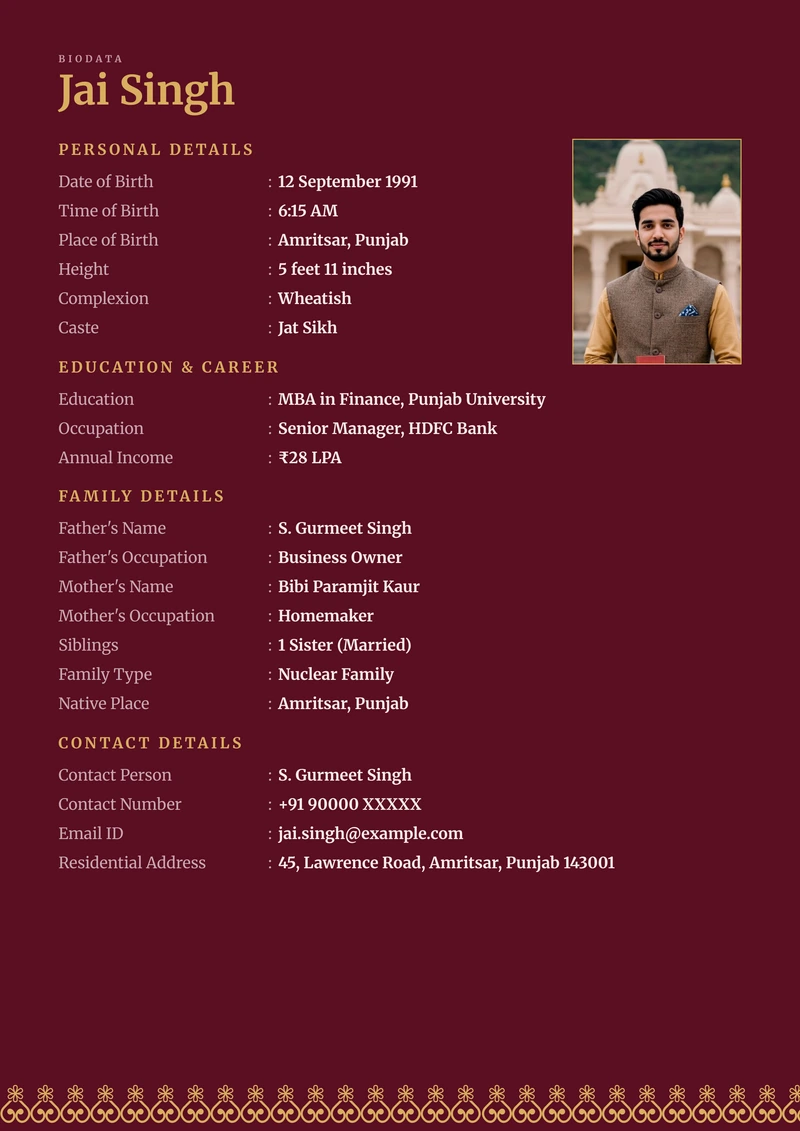
Wine
Wine · Banded · DarkPreview this design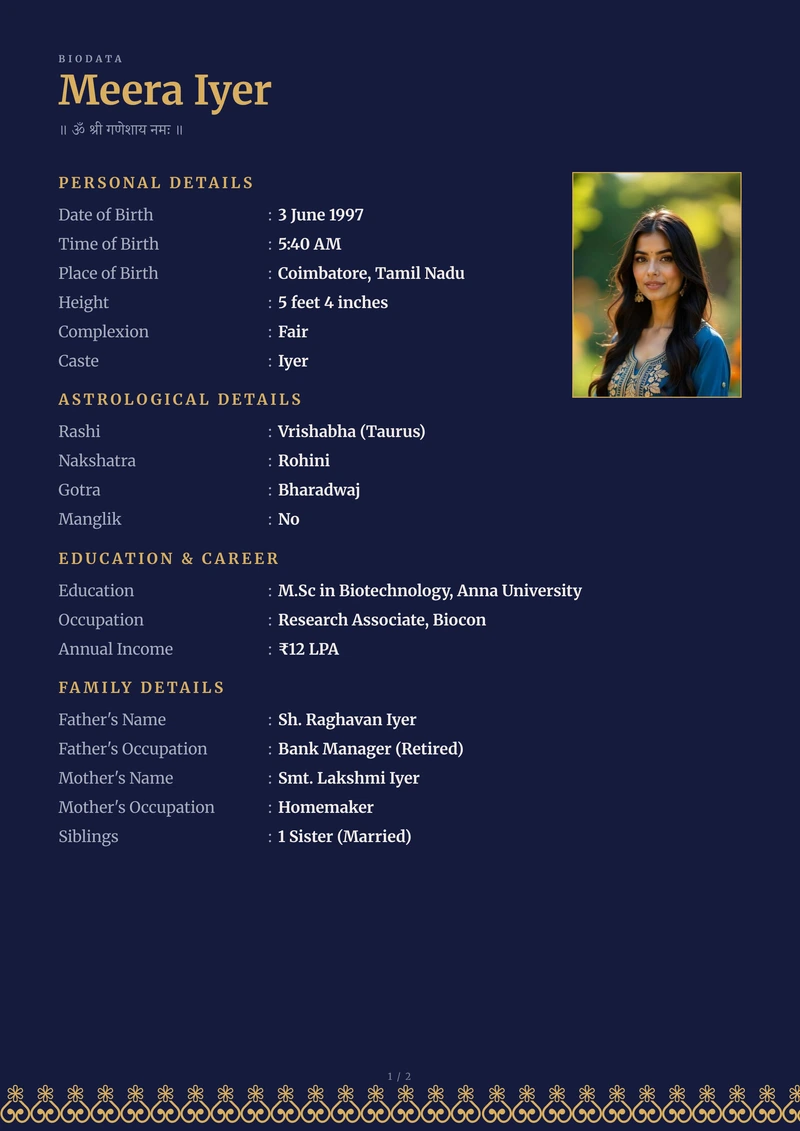
Ink
Ink · Banded · DarkPreview this design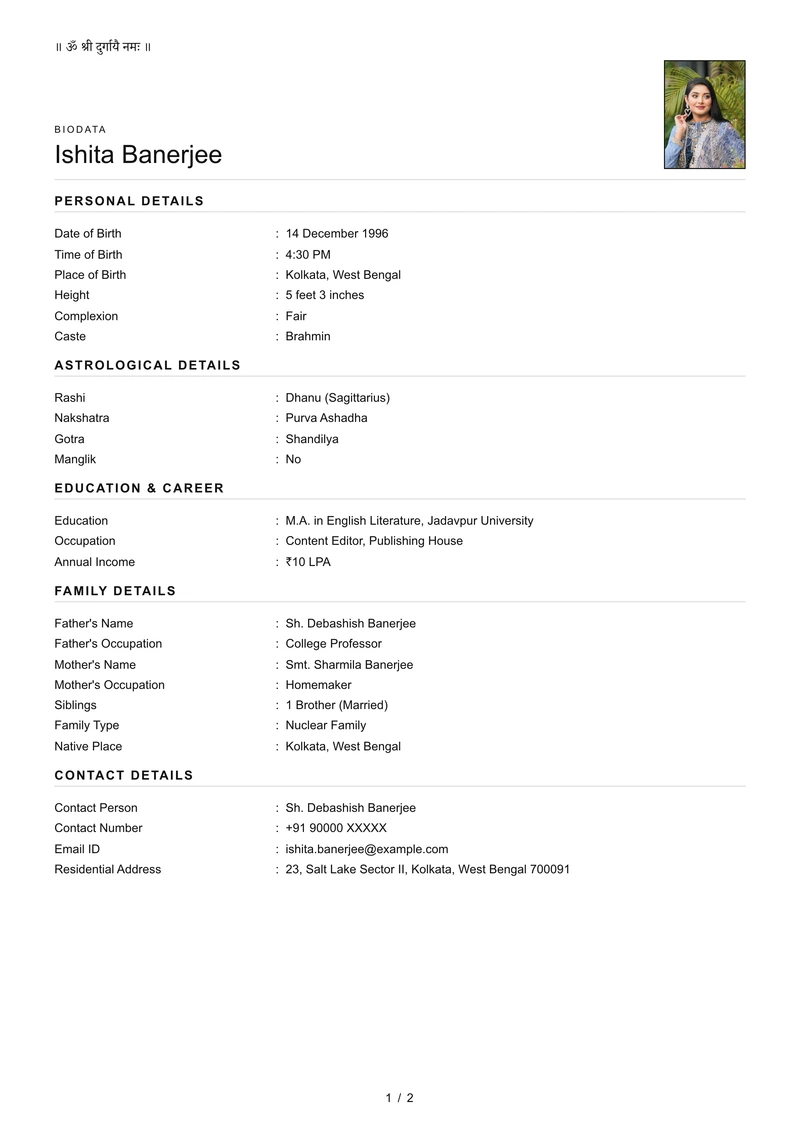
Basic
White · No ornament · MinimalPreview this design
Different shapes, the same details in all of them
The watercolour ones open with a full page for the photograph and name, then set the details on the sheets after it. The plain ones have no cover page at all: a passport photograph sits beside the name at the top and the details start underneath, which usually makes the whole biodata one sheet shorter.
Inside a layout, the designs differ in colour and nothing else — same sections, same order, same rows. And whichever you pick, you fill in one form. Switching changes how the sheet looks, never a word of what you typed or which rows you kept, and you can change again in the preview with your own details already on the page.
If you would rather not put a photograph on it at all, choose a plain one. The watercolour designs are composed around the portrait, so the preview will tell you they need a picture.
How to pick one
Every design here arrives with its colour, type and spacing already balanced, so the finished page holds together without you setting anything up. There is no combination you can land on that comes out looking half-made.
Look at it small
A biodata is usually first seen on a phone, in a forwarded message. Squint at the covers above — the one that still reads clearly at that size is the one that will travel.
Pick what suits the person
The sheet is an introduction to somebody. Softer florals, deeper ink, a plain gradient — they read differently, and one of them will feel more like the person than the others.
Nothing is locked in
You can change your mind in the preview, once your own name and photograph are on the page rather than a sample's.
Print one before you send it
Colours on a screen and colours on paper are never identical. If the biodata is going to be printed, print one page first.
In your language
Every design works in all 11 languages. Switching language changes the row labels — Date of Birth becomes जन्म तिथि — and leaves what you typed exactly as you wrote it.
Each script is set in a face made for it, so the PDF prints proper conjuncts rather than the empty boxes you get when a font has no Indic glyphs.
What you get
- A4, the size a print shop expects
- 210 × 297 mm, with margins that survive being printed rather than being trimmed off.
- Text, not a picture of text
- The words in the PDF can be selected, searched and copied. It is drawn as type, so it stays sharp at any zoom and on any printer.
- Your photograph at print resolution
- Cropped to the shape the design actually uses, and embedded large enough that it does not soften on paper.
- Extra photo pages if you want them
- Up to two more sheets, in a layout you choose, inside the same border as the rest of the document.
- No watermark on the download
- The preview is watermarked and a few rows stay hidden in it. The file you download is the finished document.
- A copy by email
- Sent to you when it is made, so the biodata is not living only in one browser on one phone.
Your details, in every design
Add your details once and you will see your own name and photo in every design, not somebody else's sample. A few rows stay hidden until you download.
Create My Biodata