
Print-ready A4 PDF · Made for India
Make your marriage biodata
in minutes
Create a beautiful marriage biodata in just a few minutes. Easy to use, fully customisable, and ready to print or share.
Preview free No signup Basic free, from ₹99
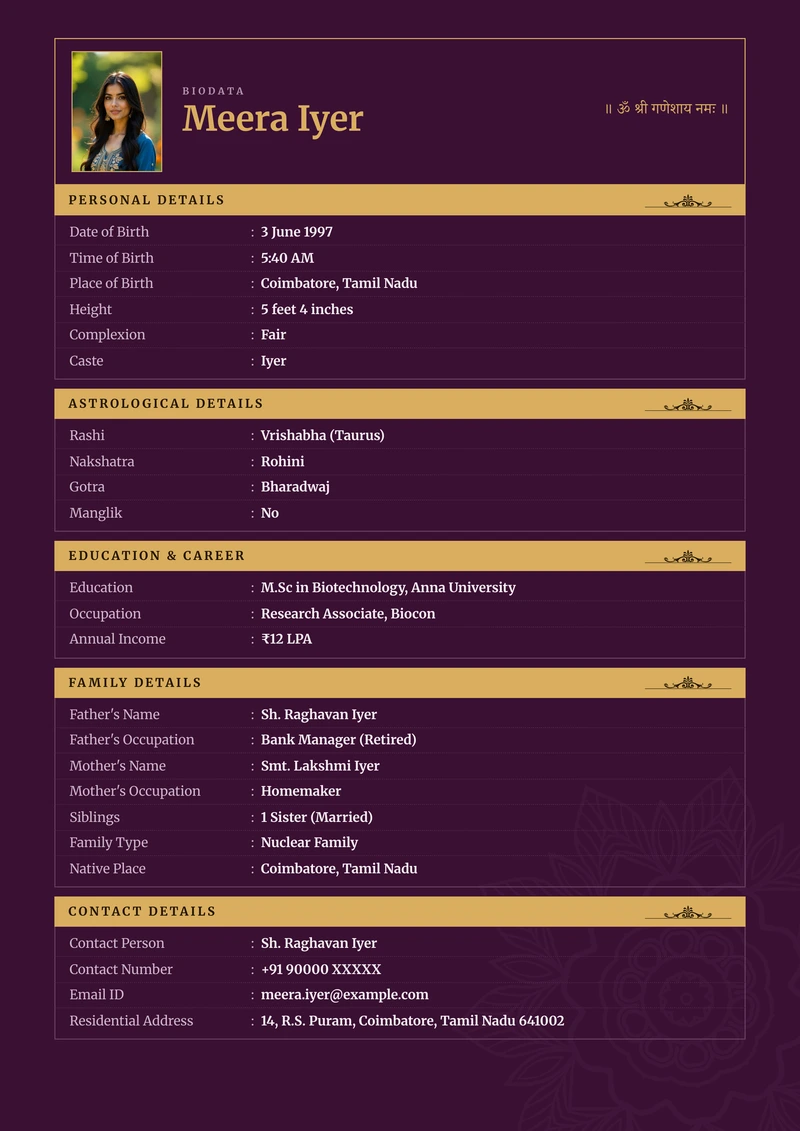
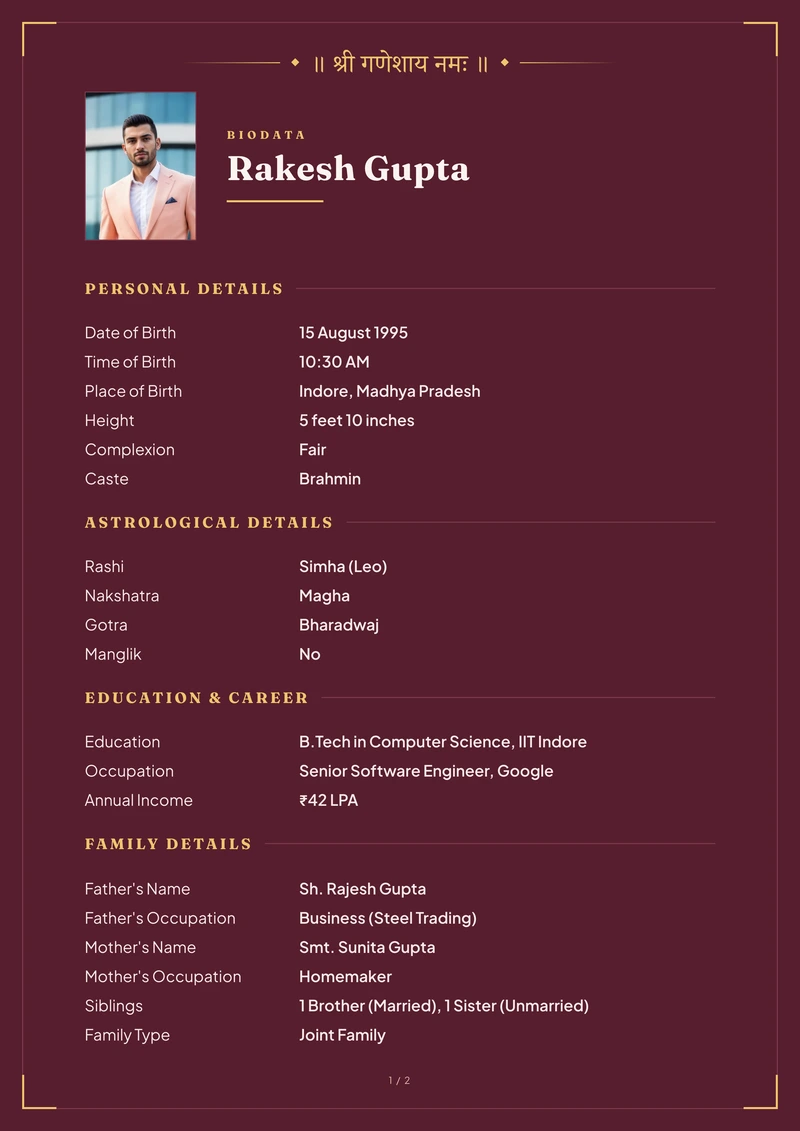
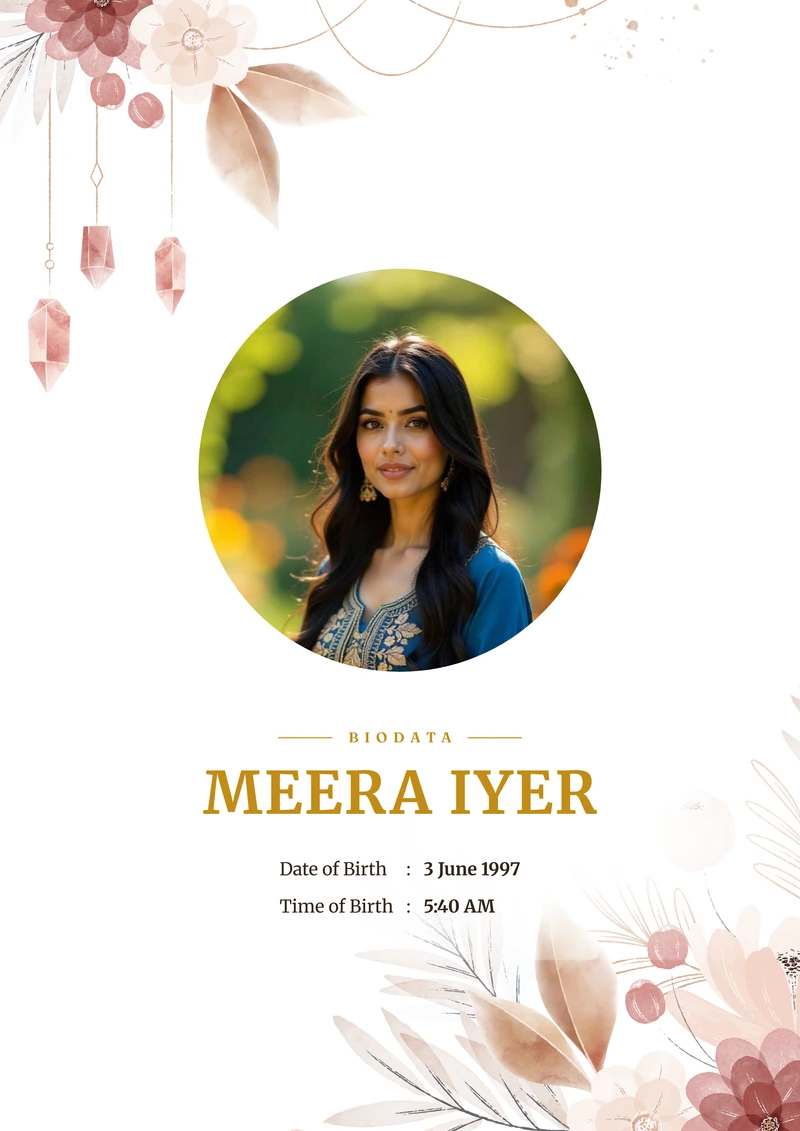
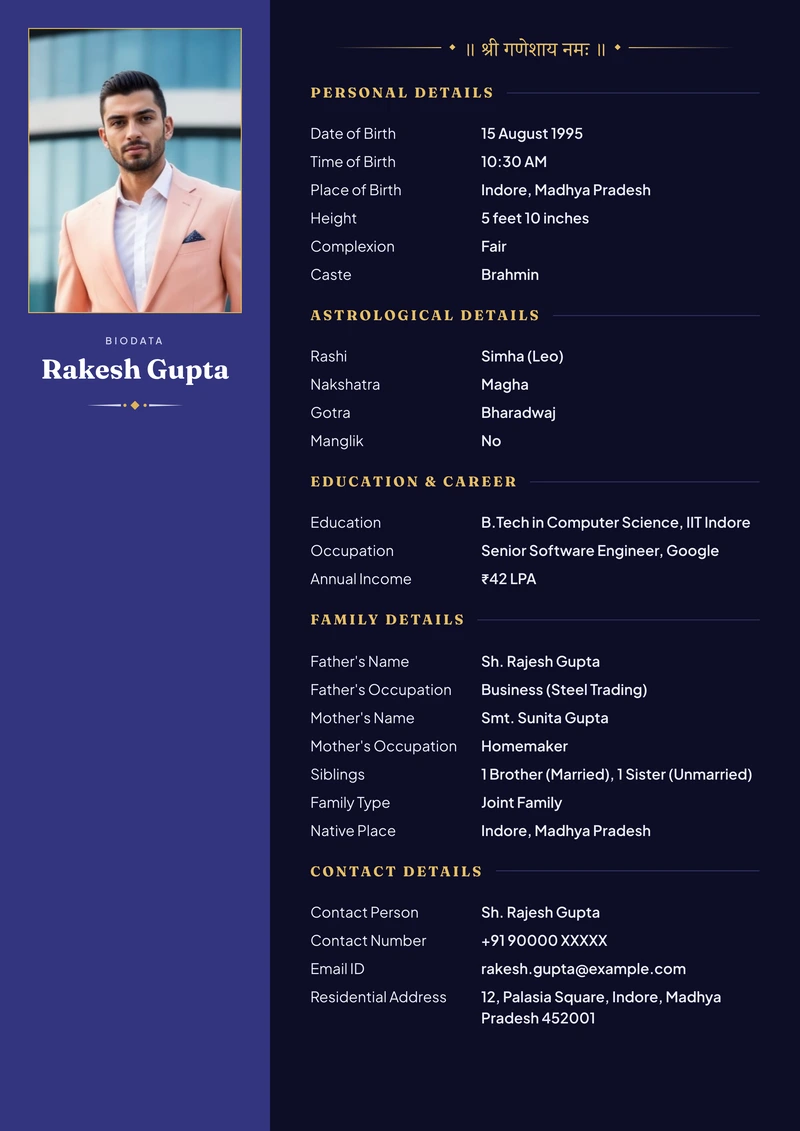
Beautiful design templates for every family
See each design with your own details, then choose the one you'll be happy to send.
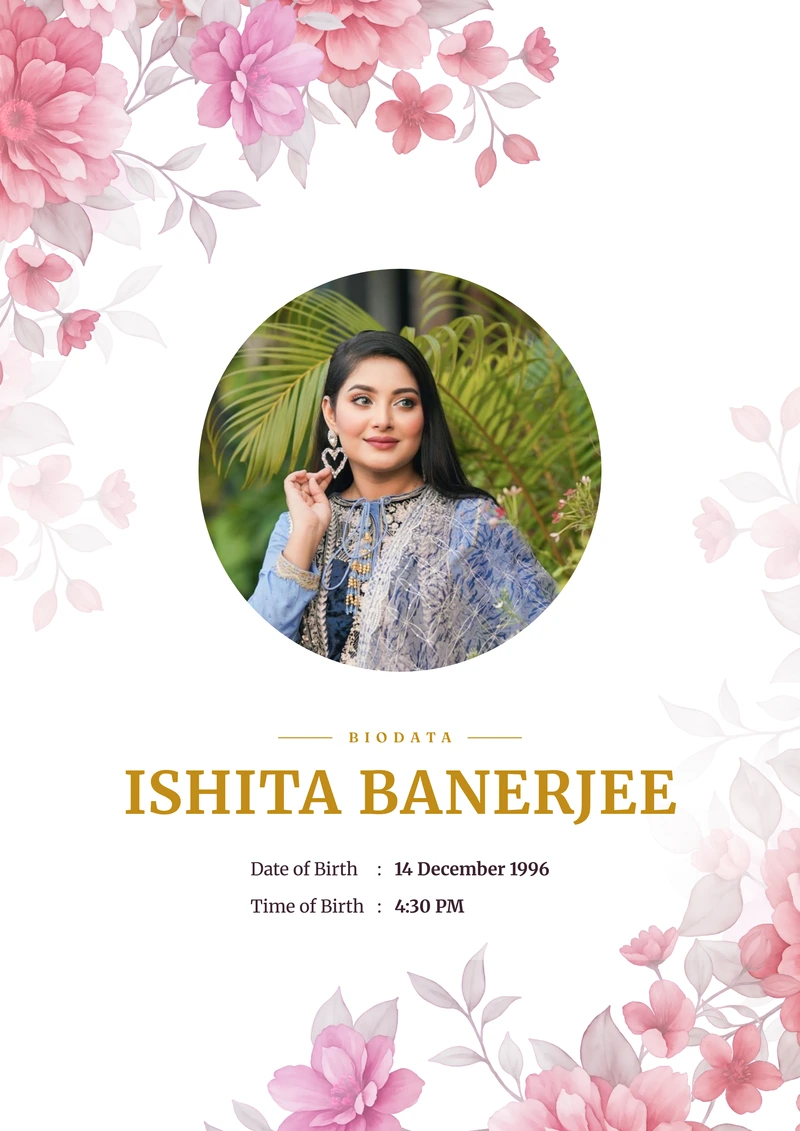
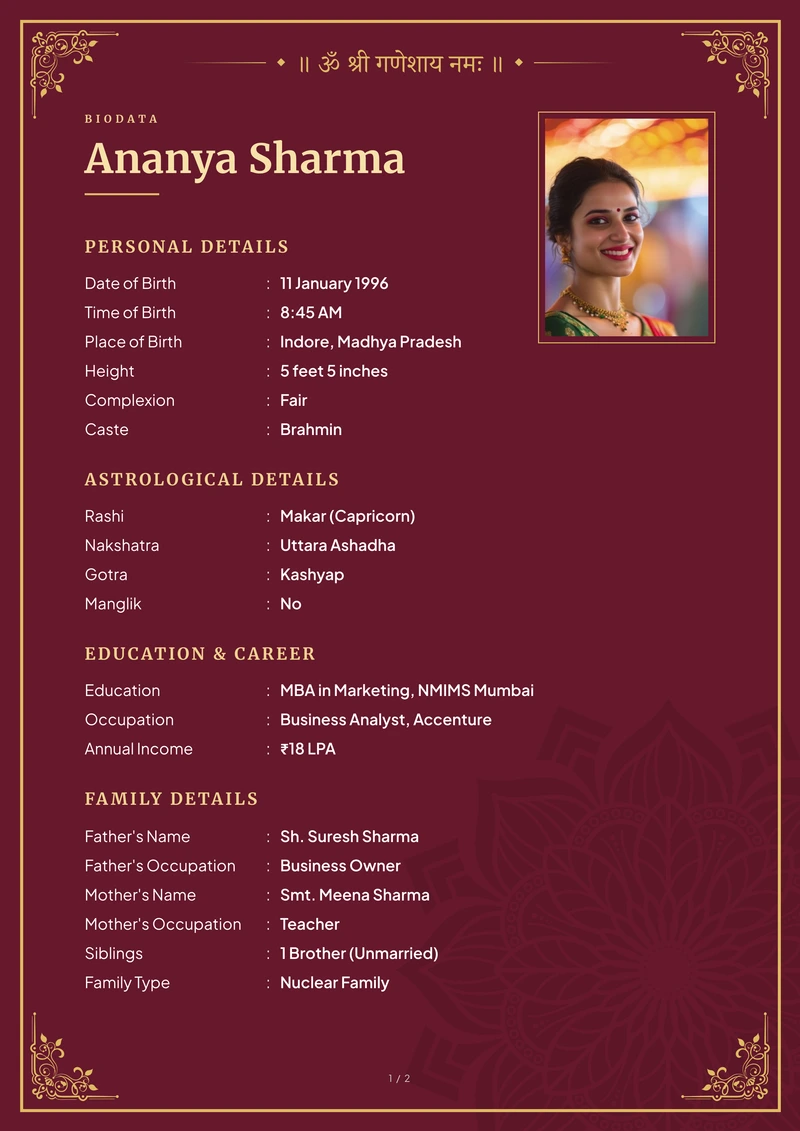
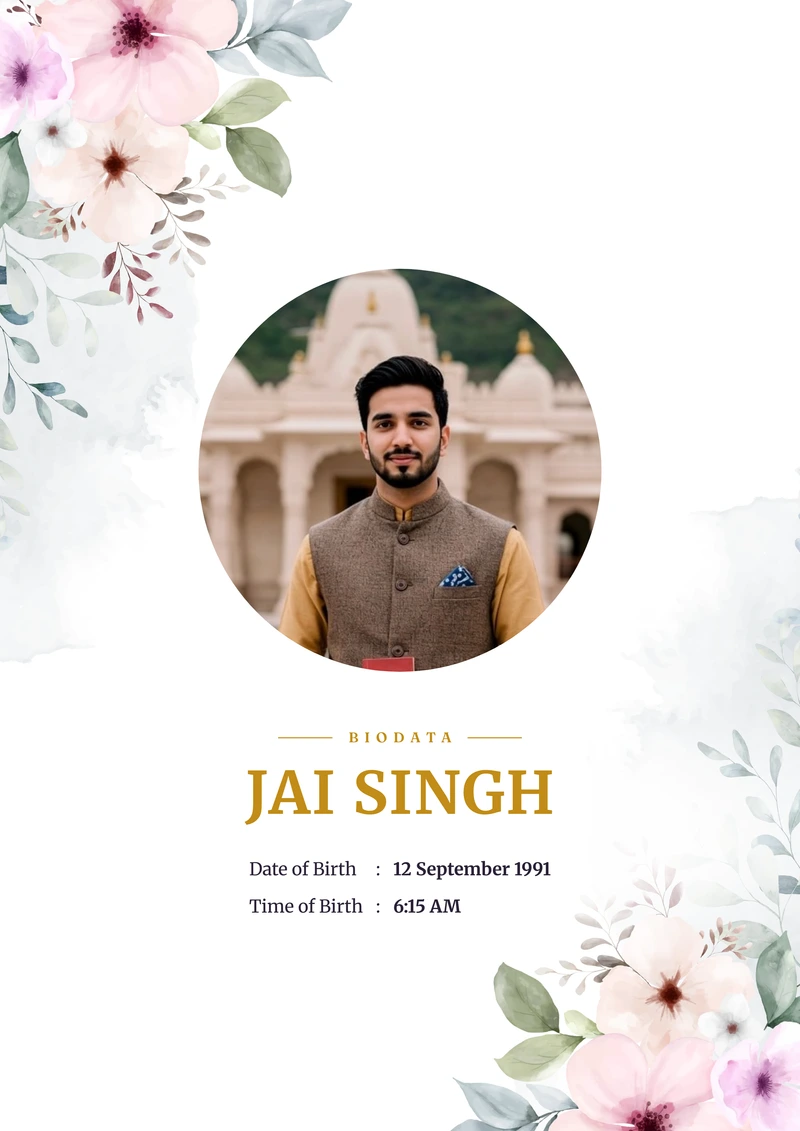
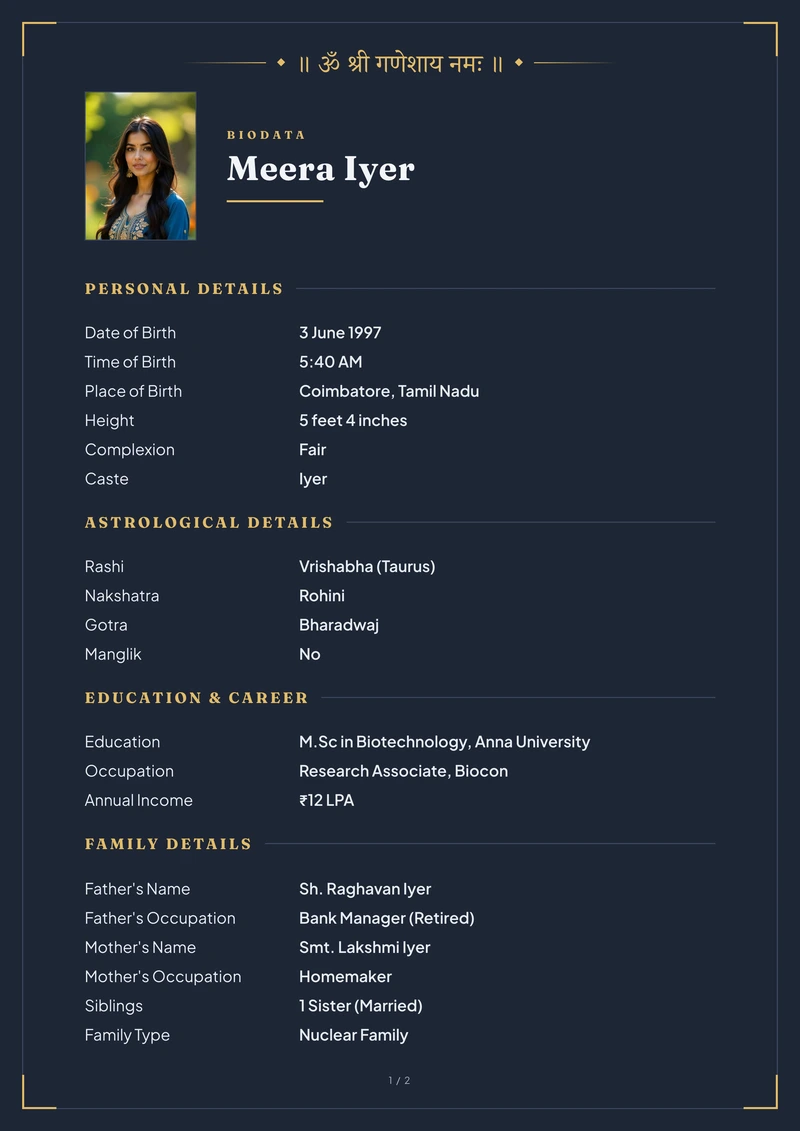
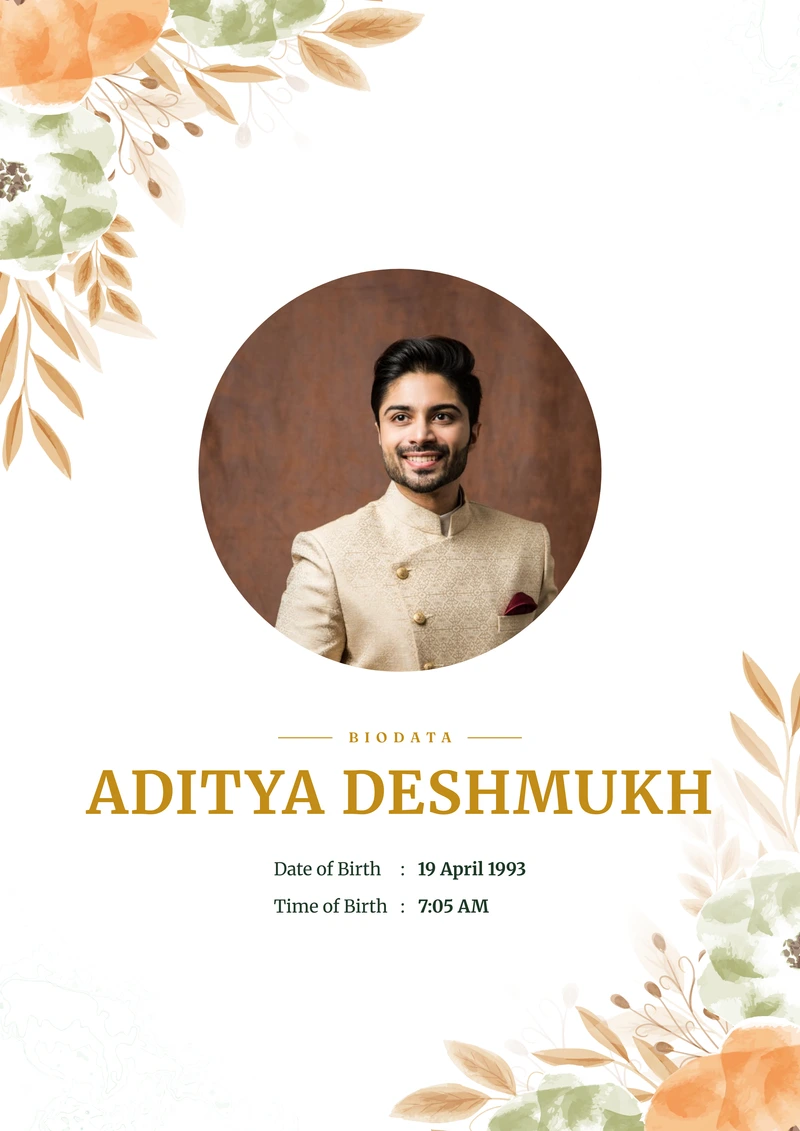
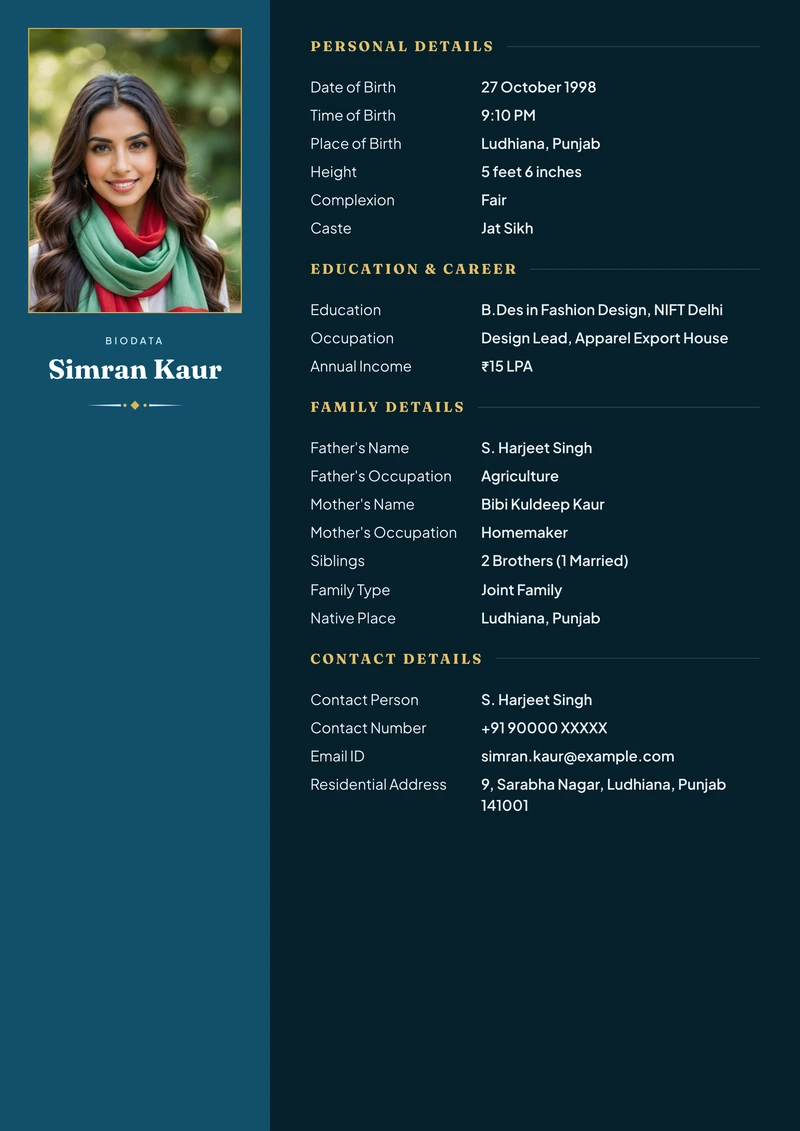
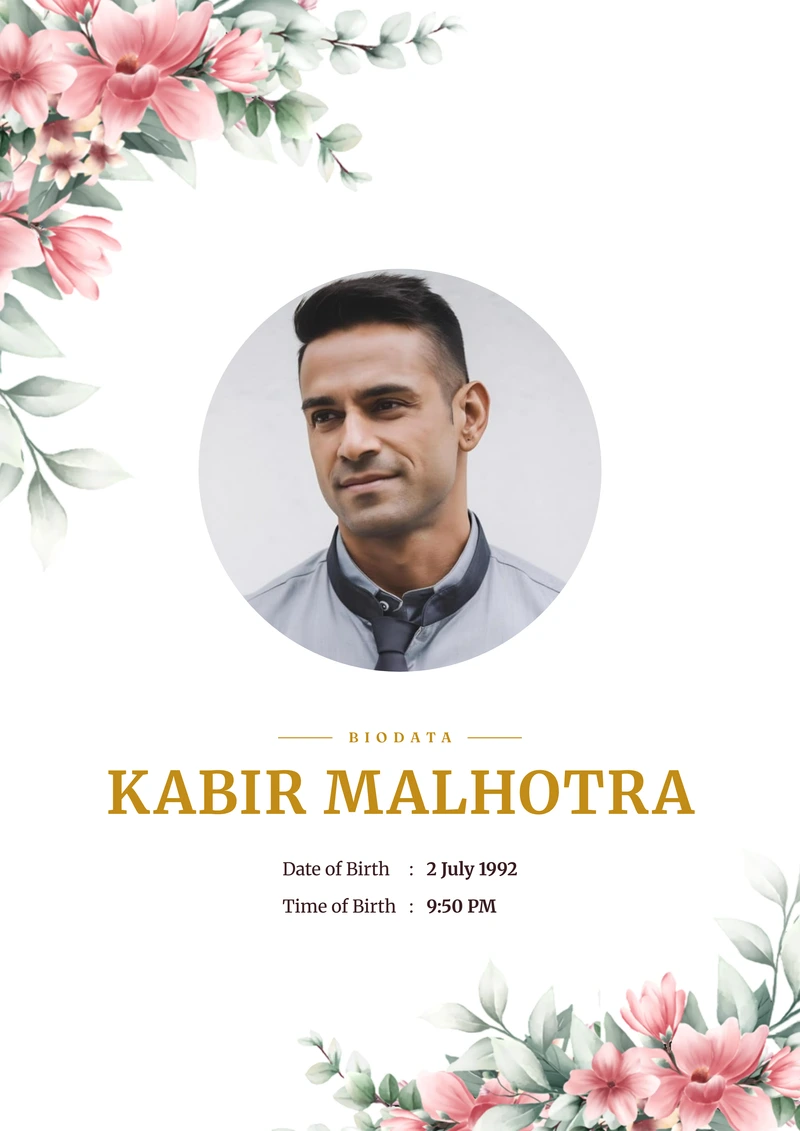
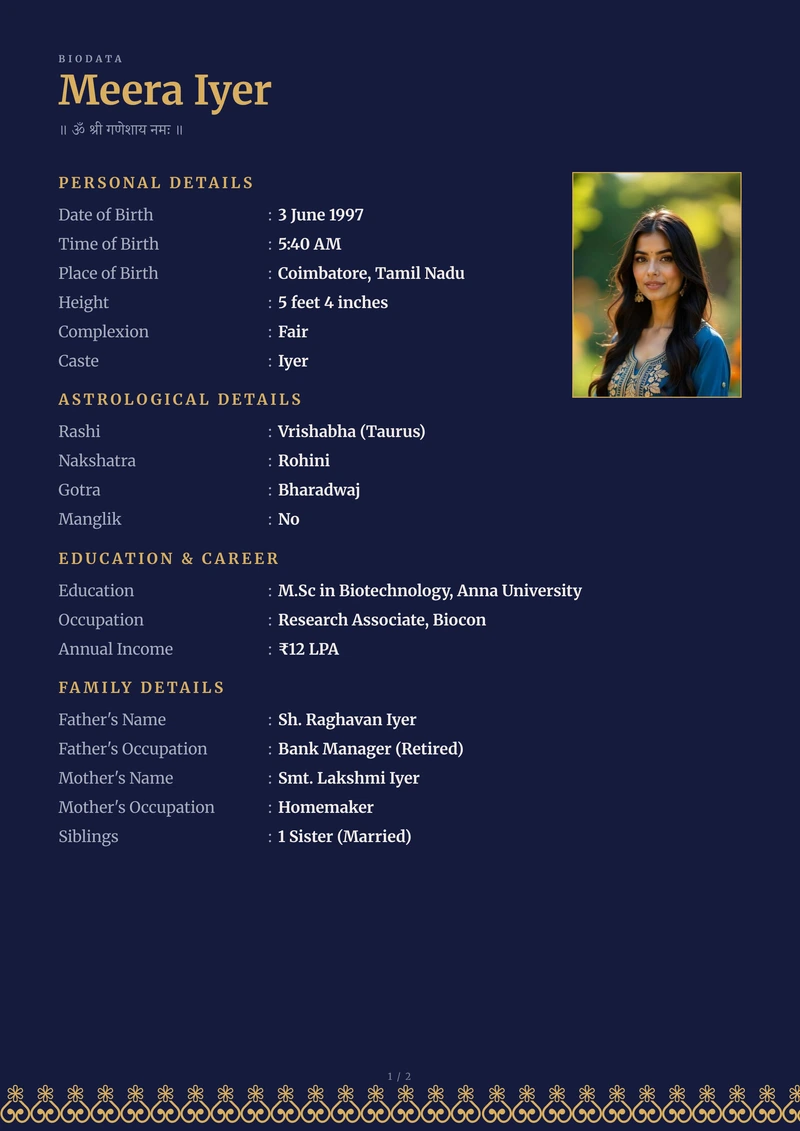
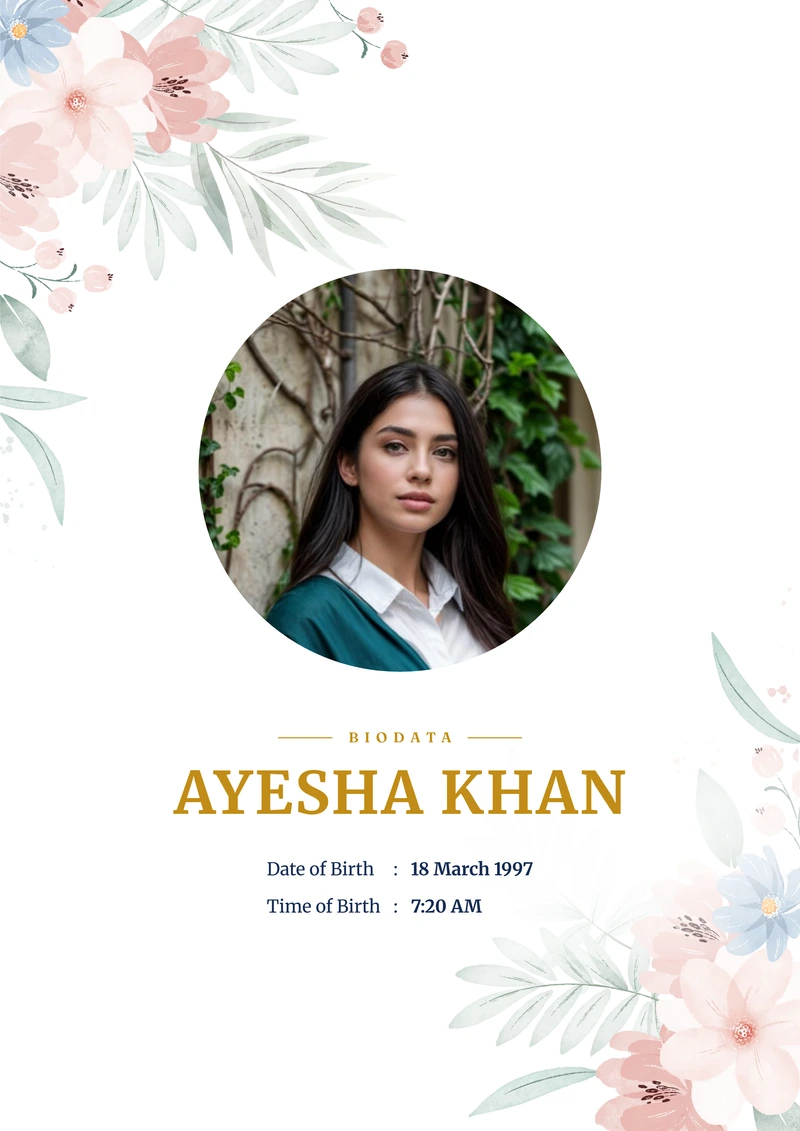
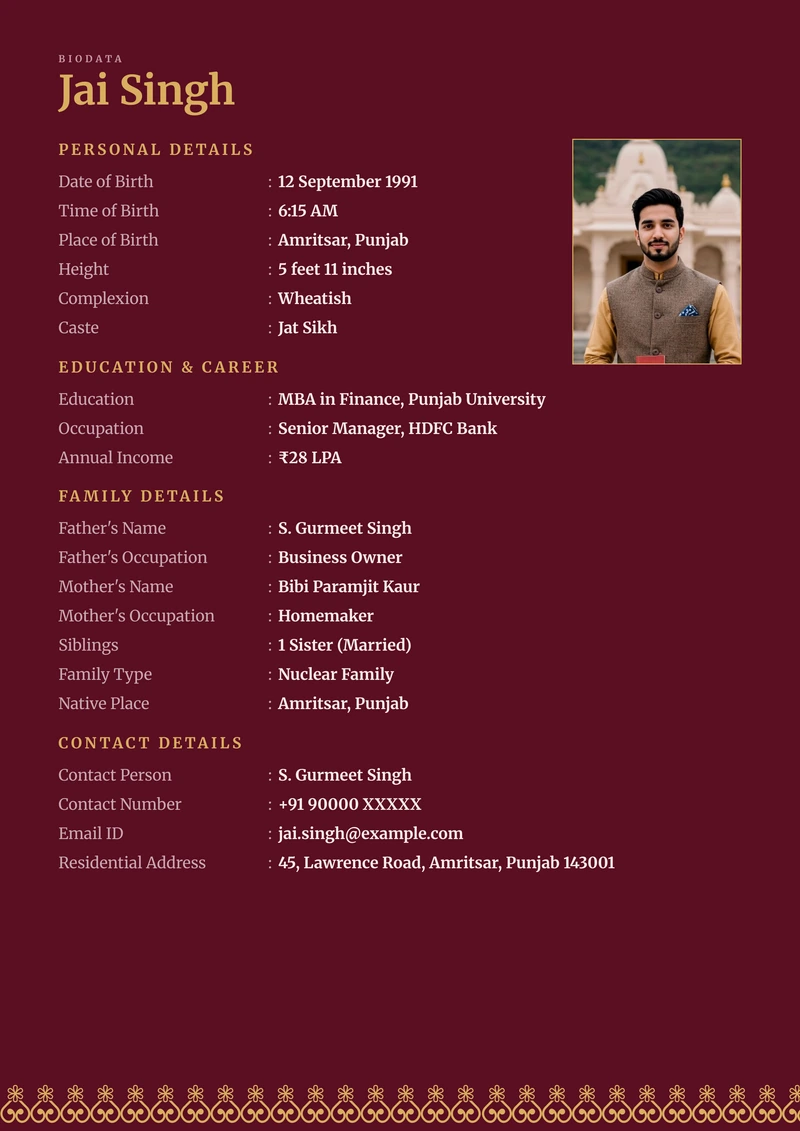
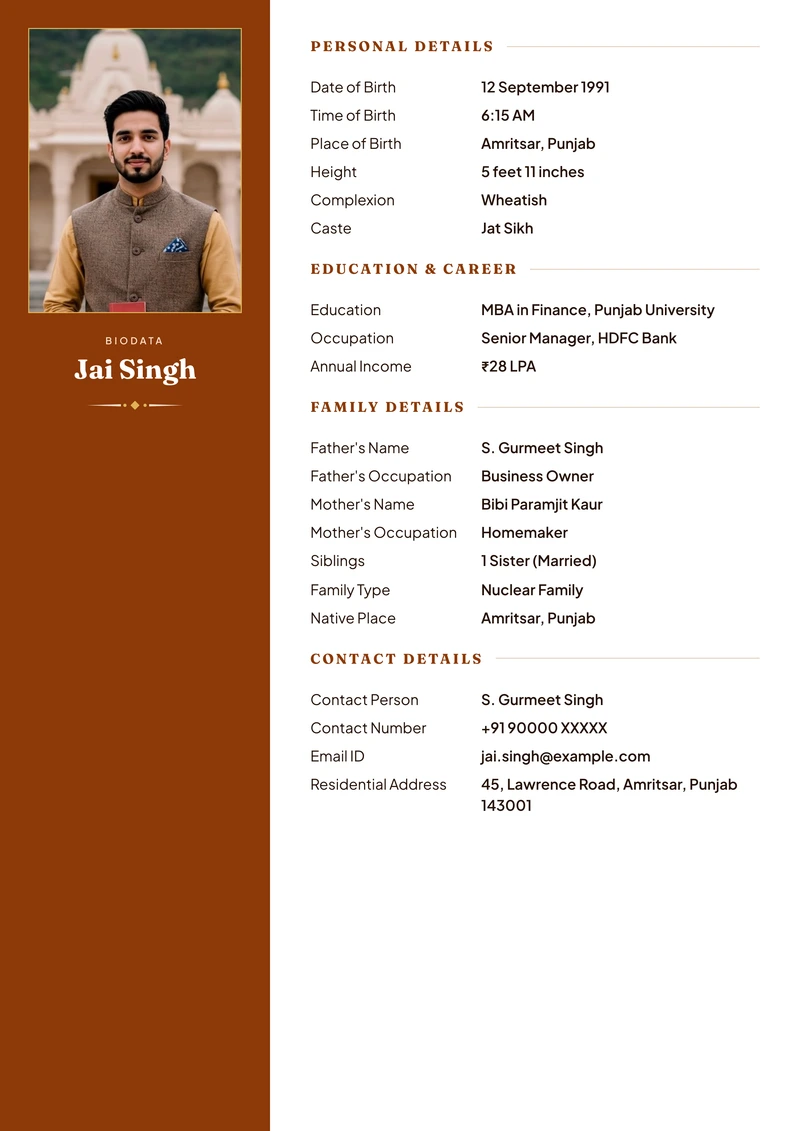
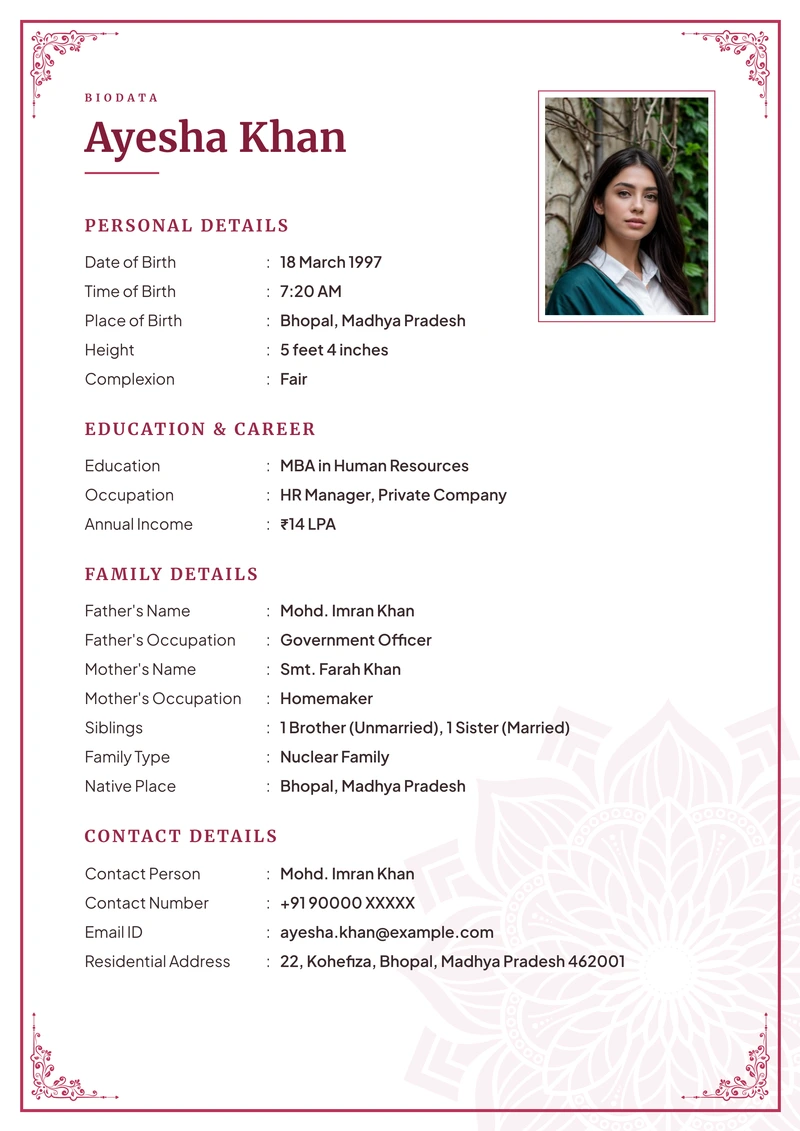
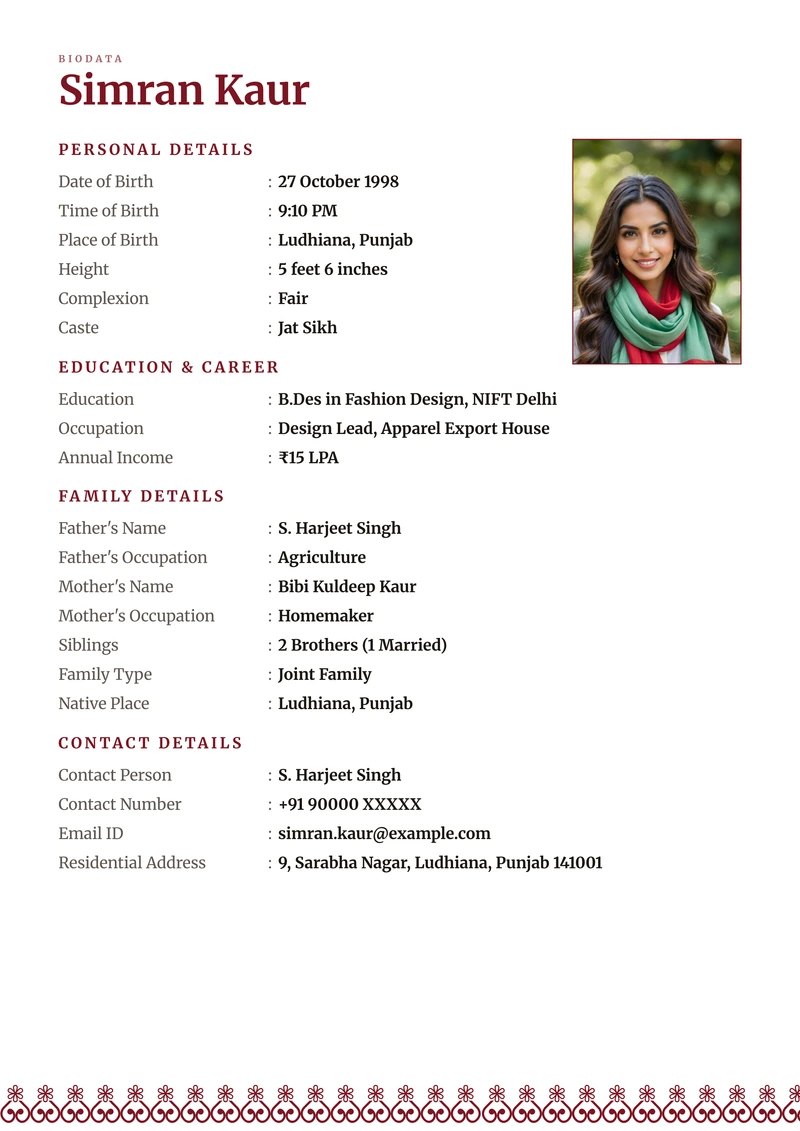
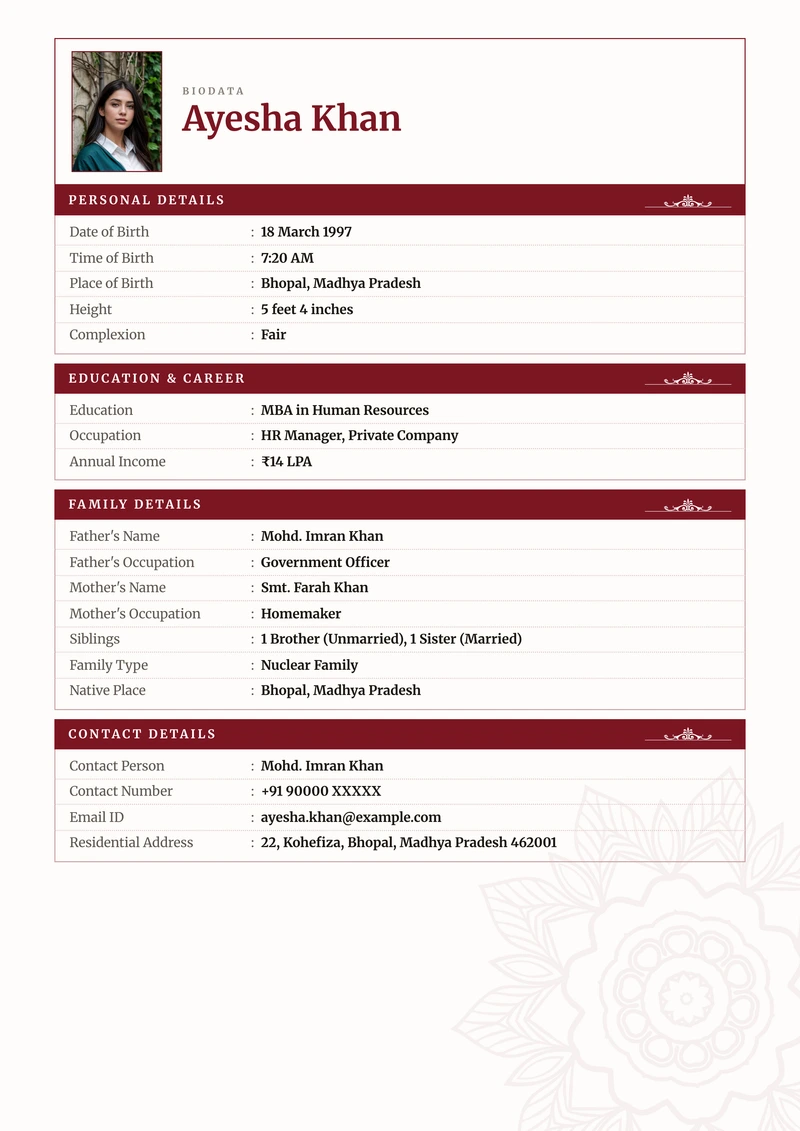
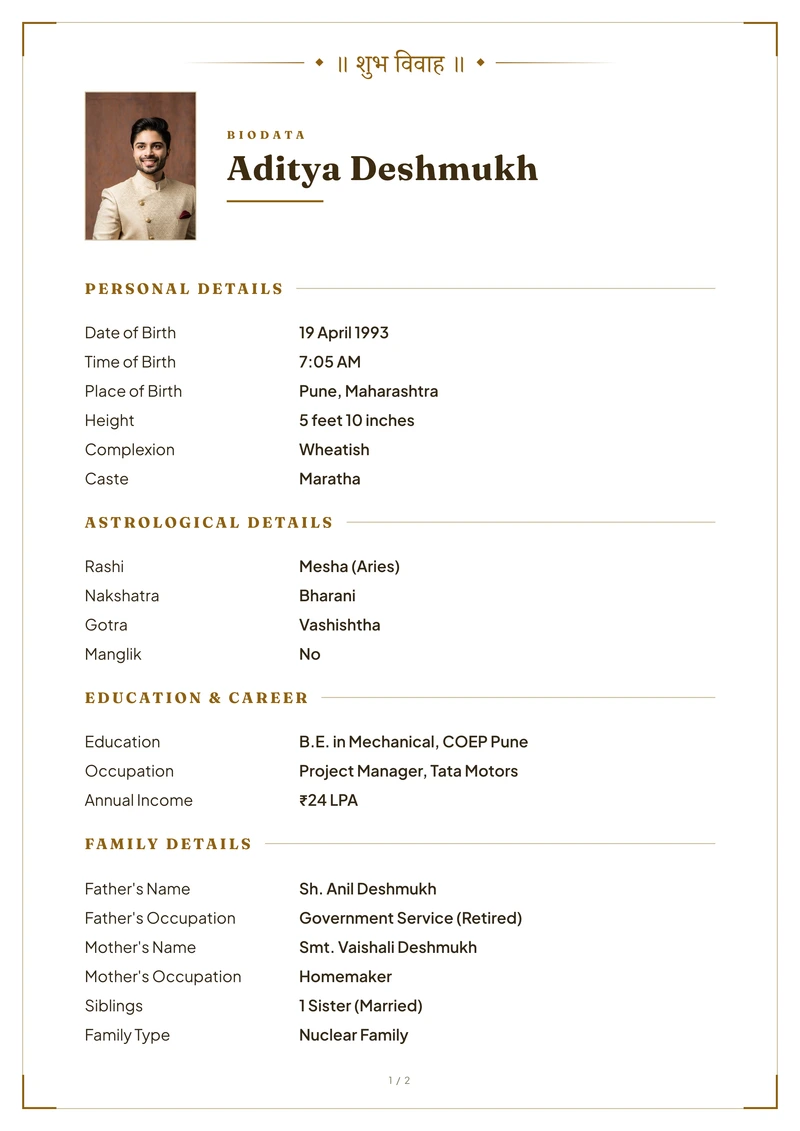

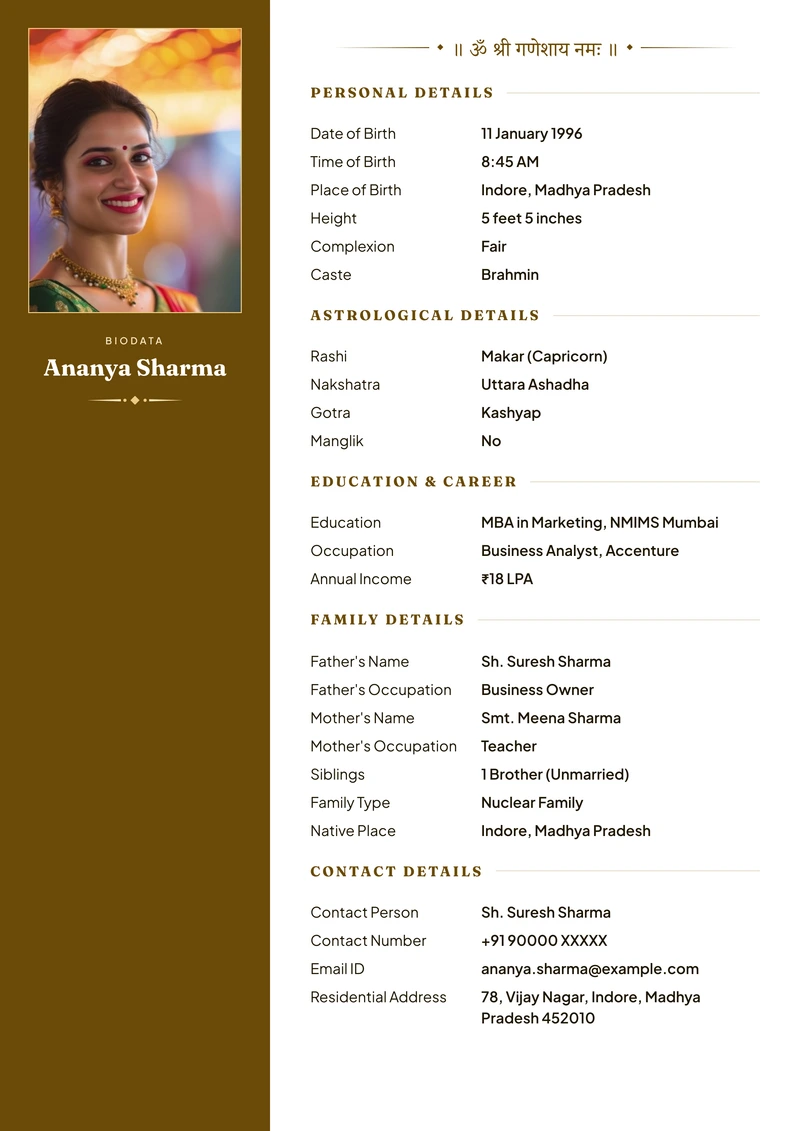
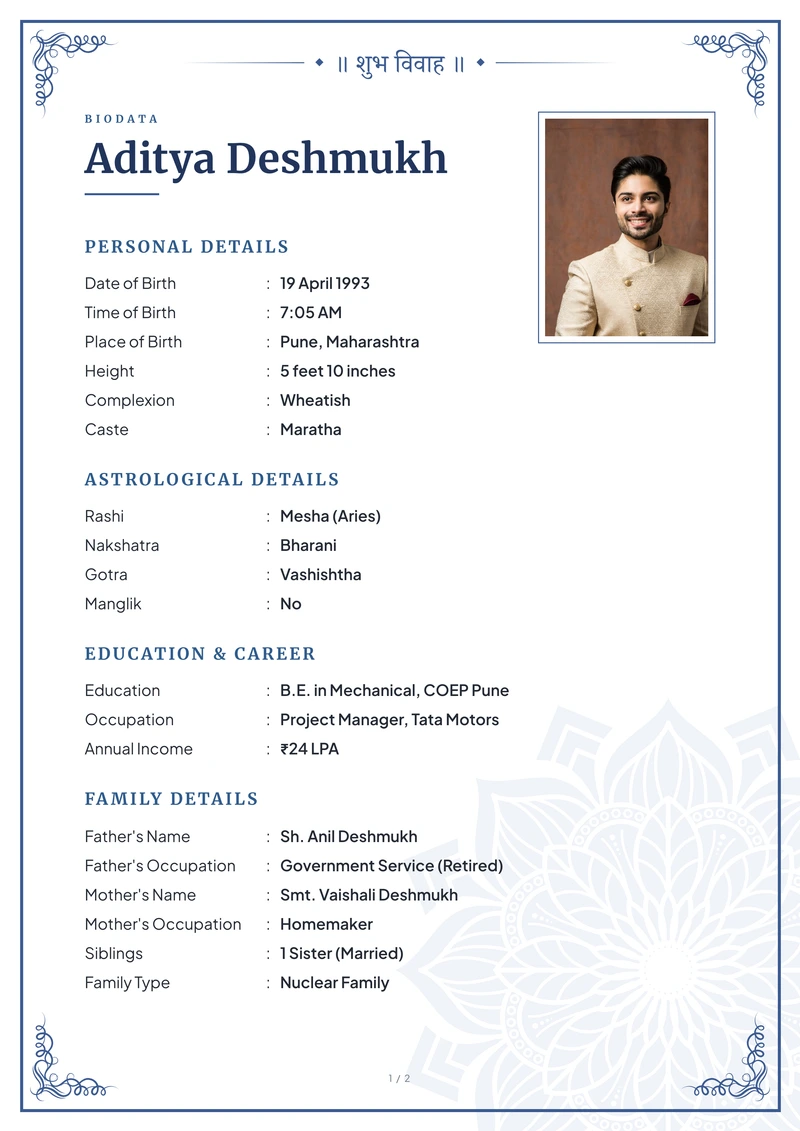
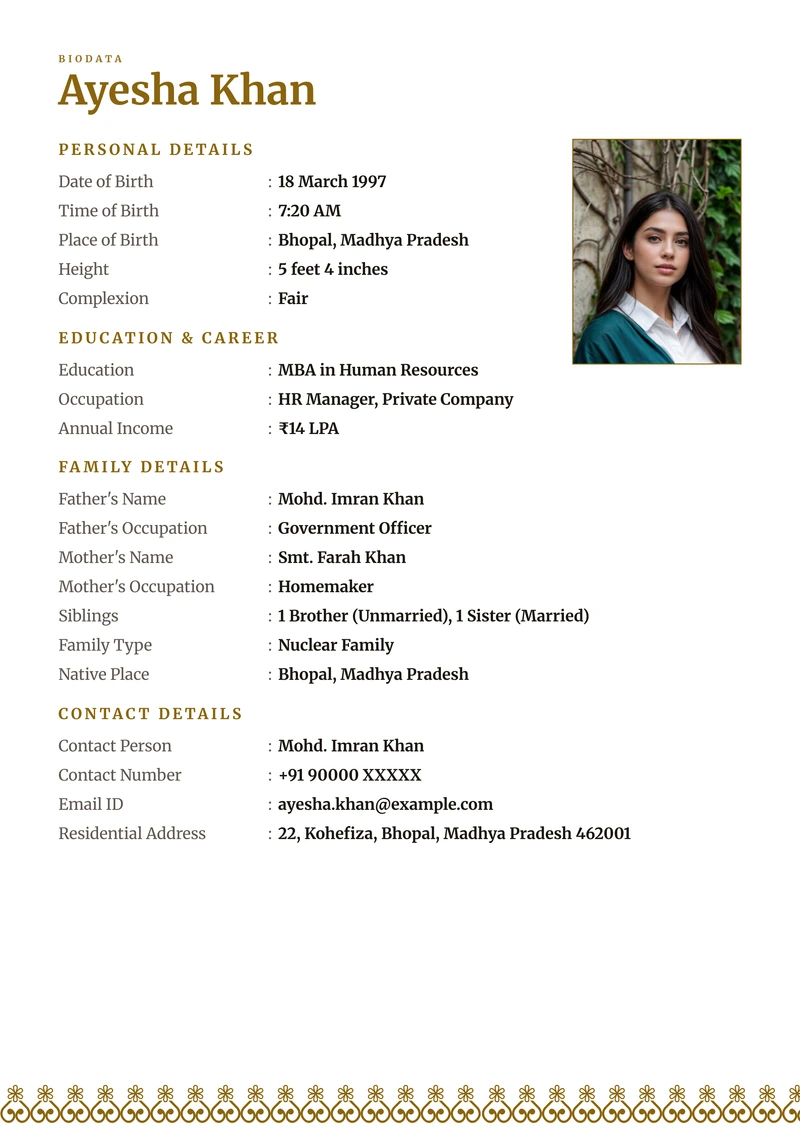
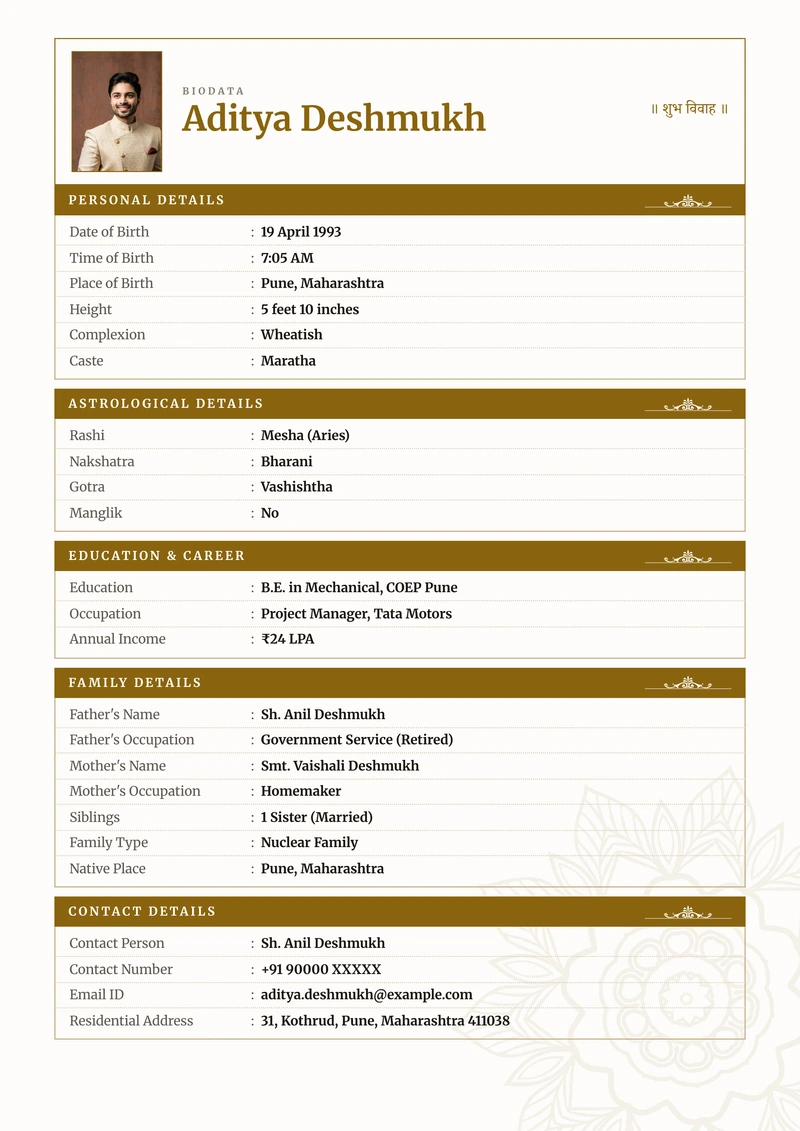
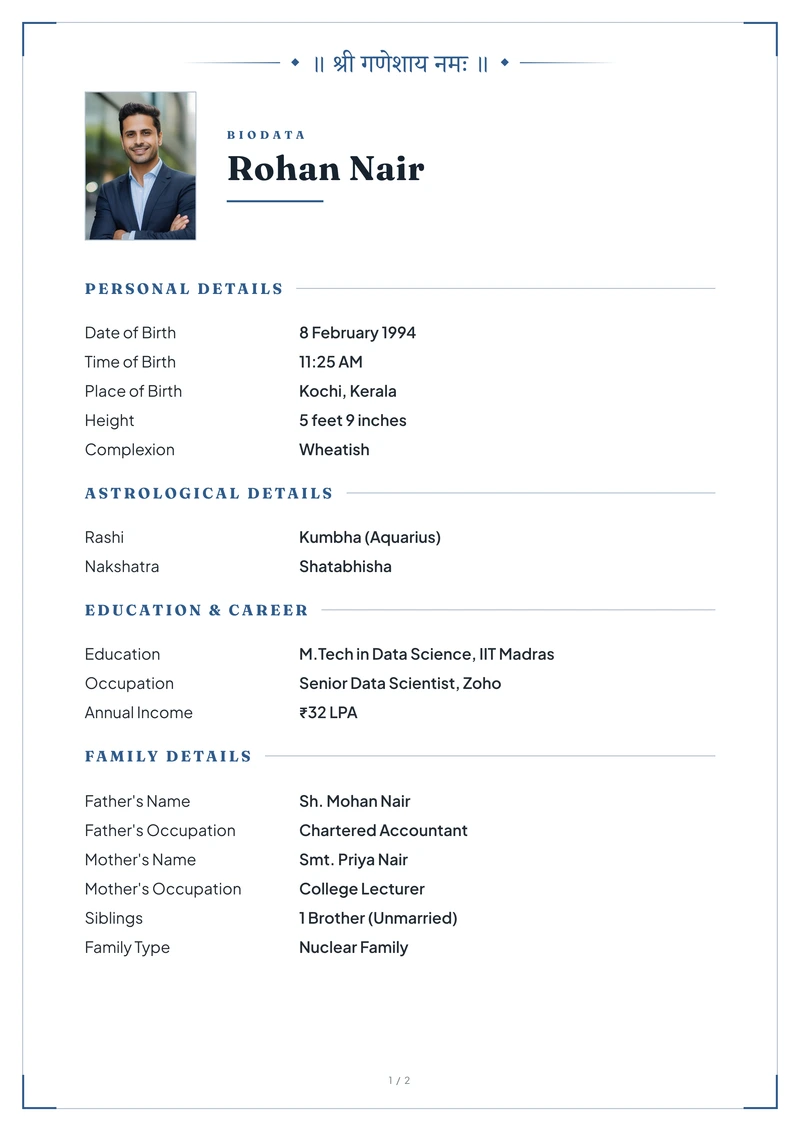
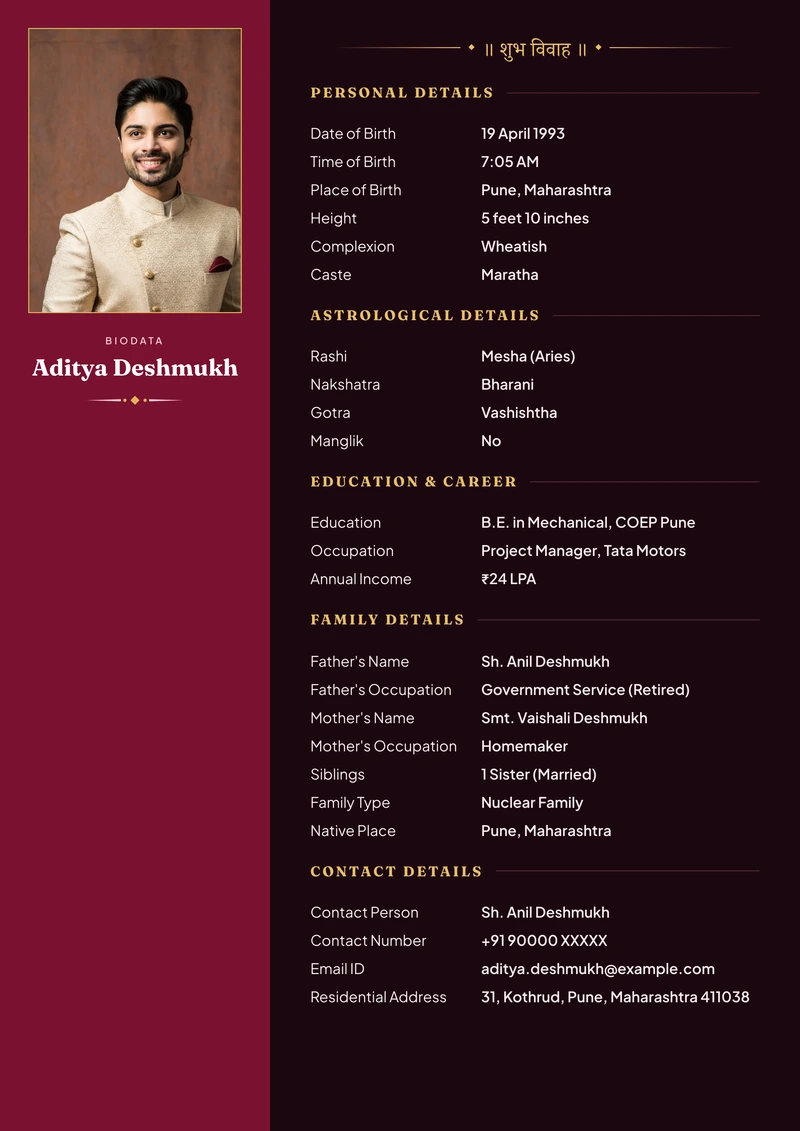
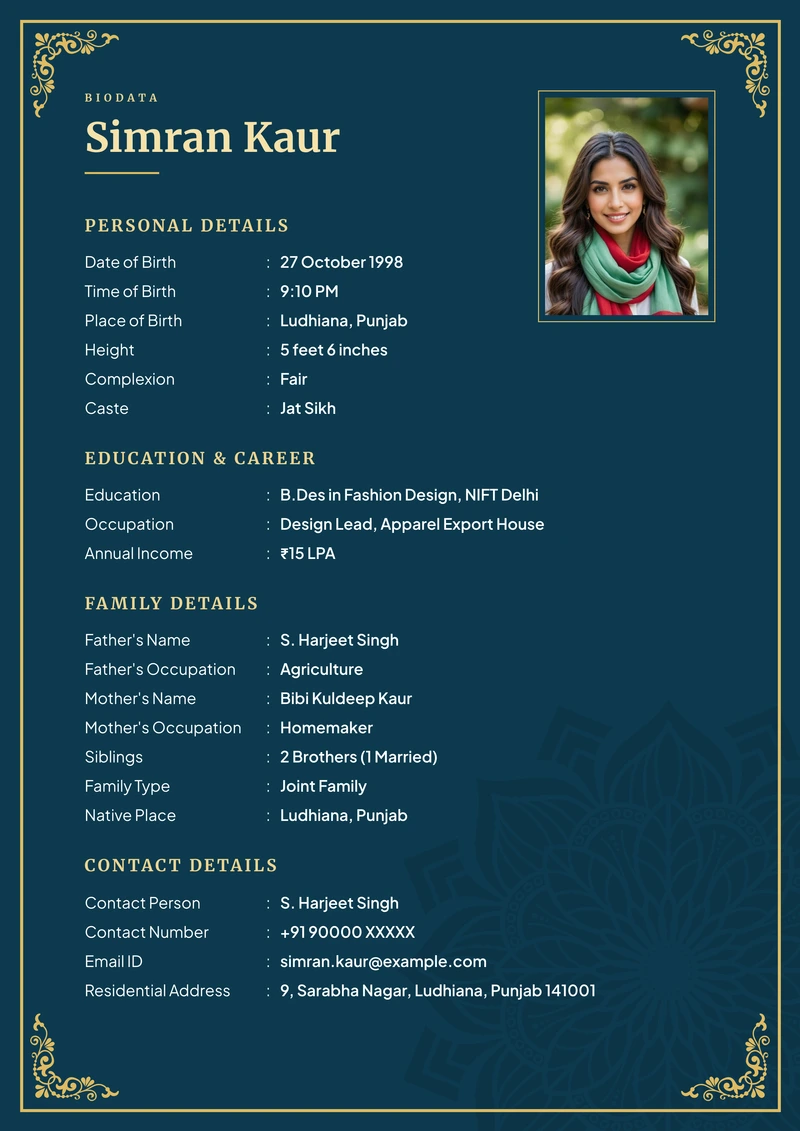
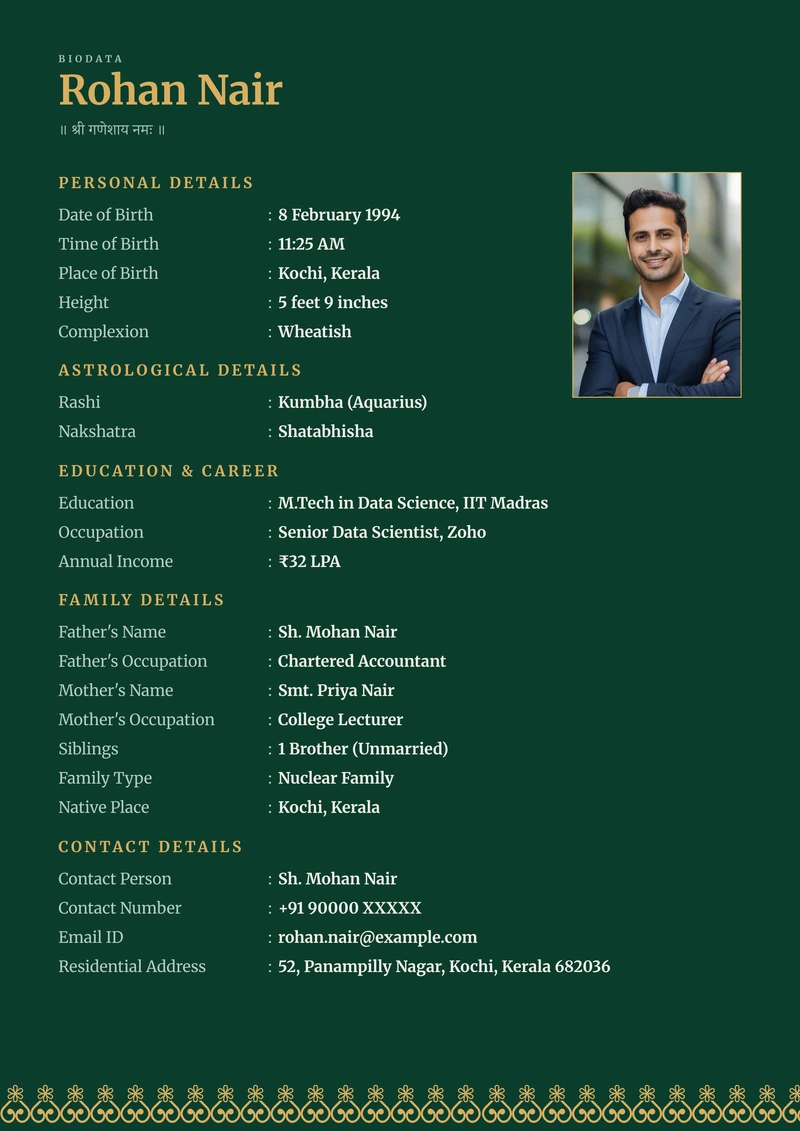
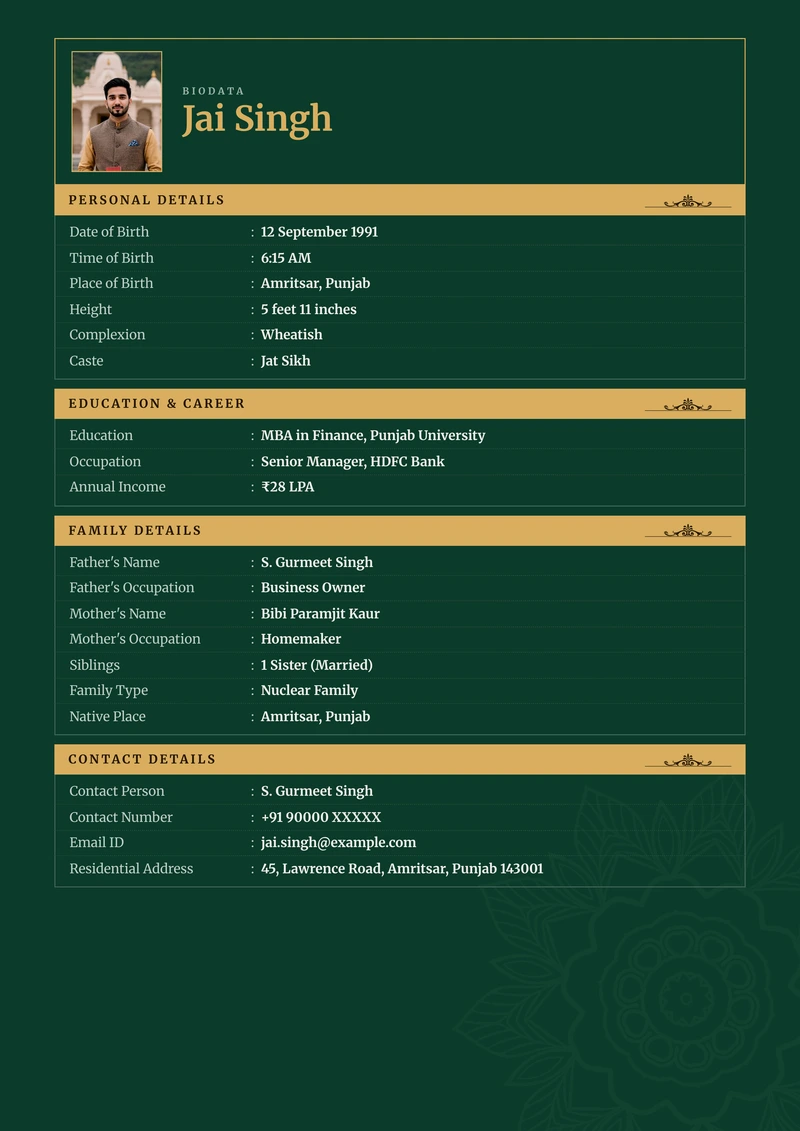
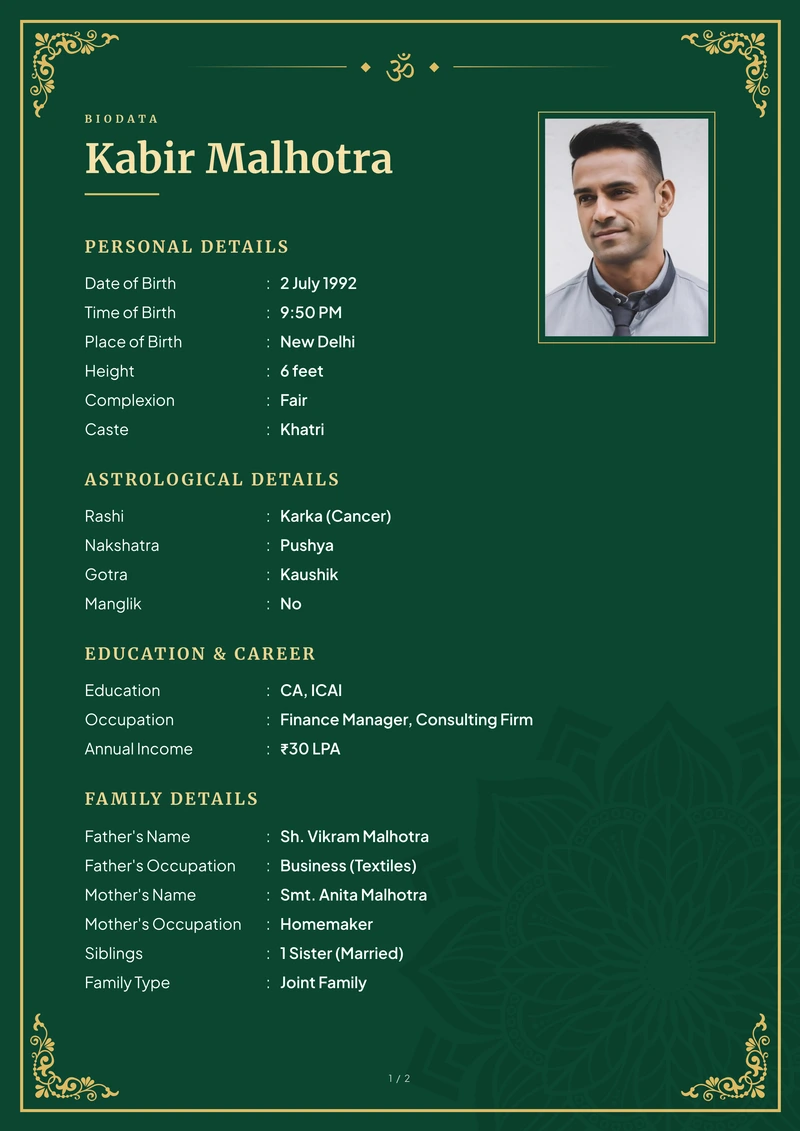
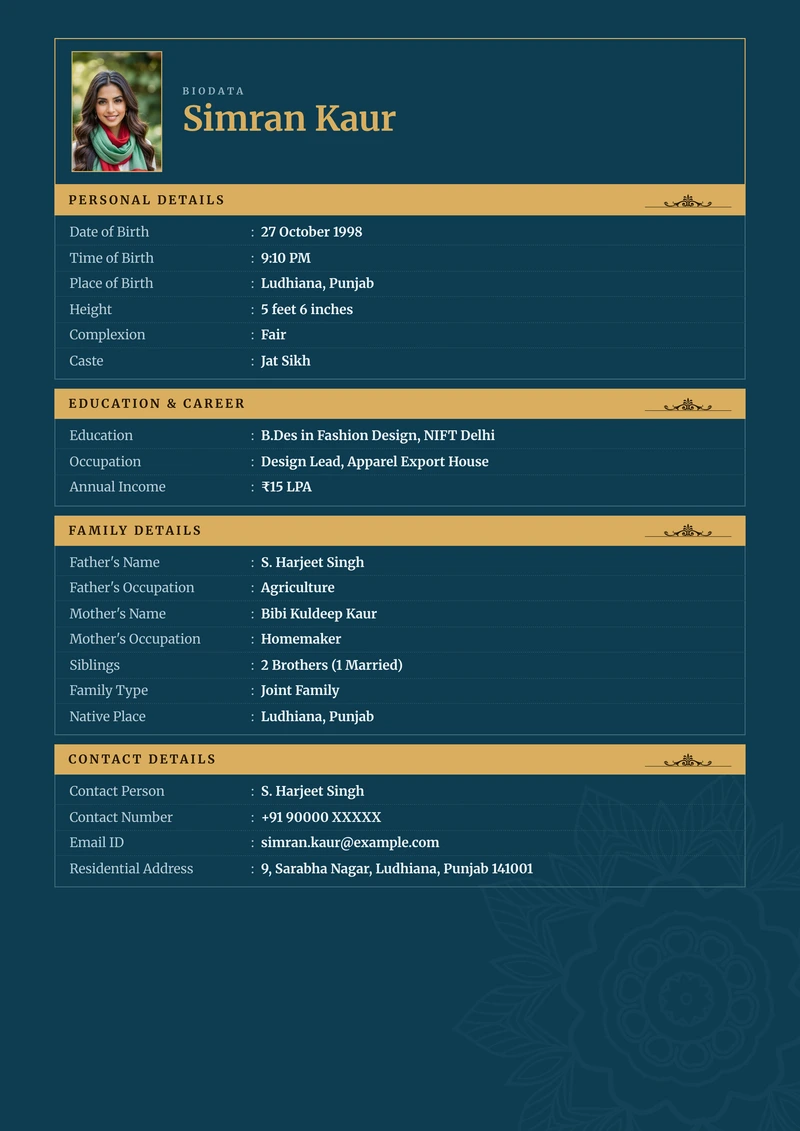
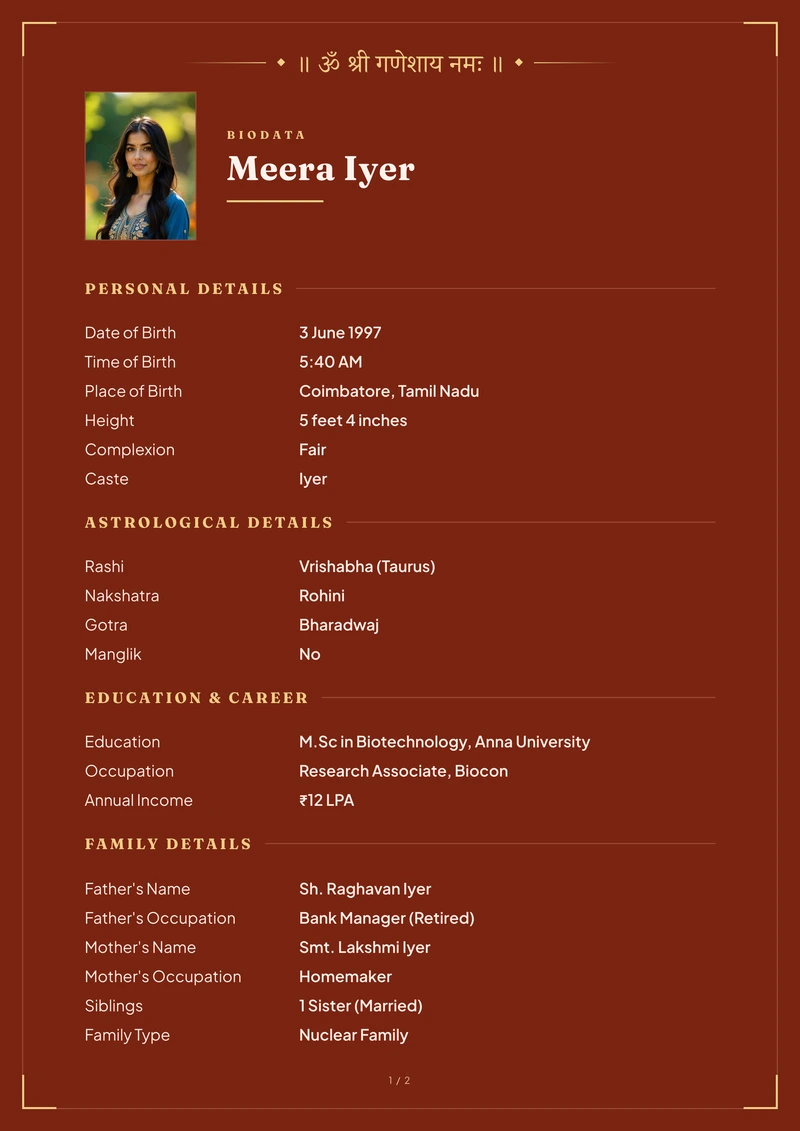

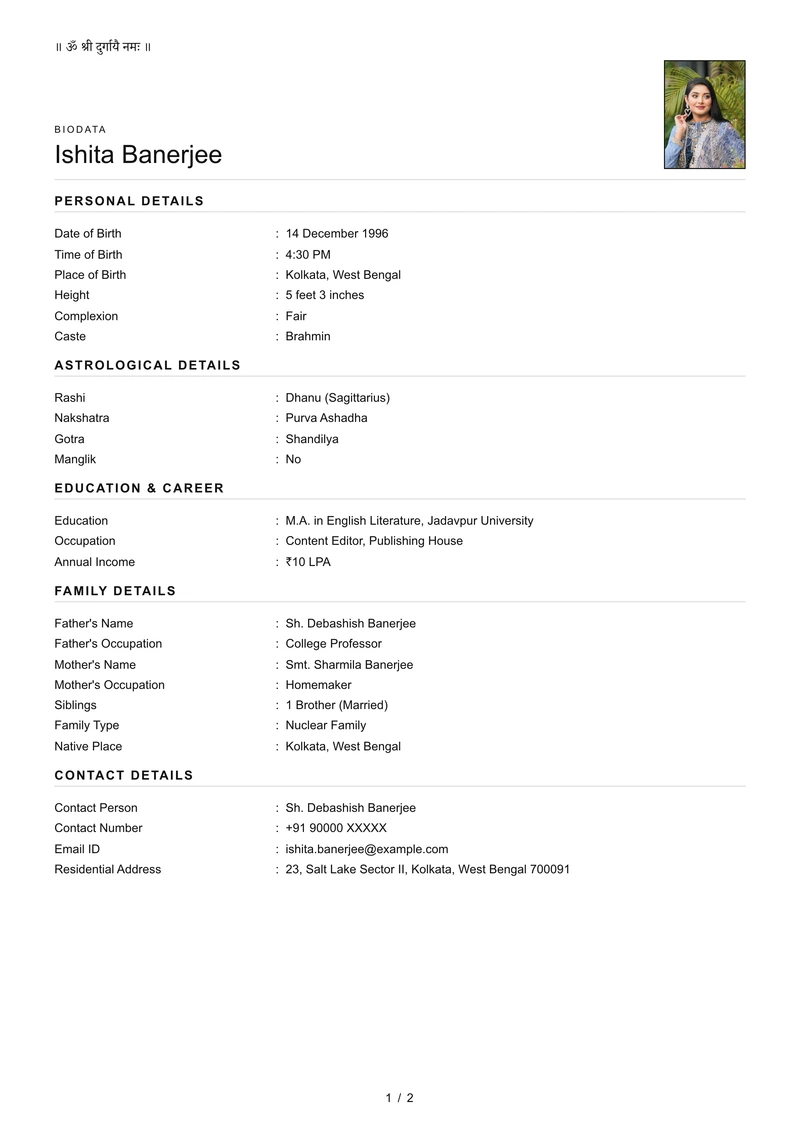
- 11 Indian languages
- Made for Indian families
- Preview before paying
- Free Basic PDF, no watermark
Make your marriage biodata in 3 easy steps
No sign up, nothing to install, and you see your biodata before you pay.
Enter your details
Add your personal, family, education and contact details, plus a photo. Keep the rows your family asks for and remove the rest.
Choose your design
See your own name and photo in every design, full size — not somebody else's sample. A few rows stay hidden until you download.
Download and share
Download a clean A4 PDF with no watermark, ready to print or send on WhatsApp.
Create your biodata
Start with your name. You can change every row before you download.
0 of 4 sections started · You can skip anything.
Everything you need to make it feel like yours
Choose the details, the language and the design that feel right for your family.
34 designs
A design that feels like you
Soft florals, framed classics, modern sheets and structured layouts.
See every design11 languages
At home in your family's language
Every label appears in the script your family reads, set clearly for both screen and print.
See the formats52 invocations
Begin the way your family would
Add traditional opening words, choose a faith mark, or leave the top of the page clean.
2 extra photo pages
Room for more photographs
Add up to 2 separate pages of photographs, in 5 arrangements.
How photo pages work10 family formats
Start with familiar details
Begin with the rows commonly used by your family or community, then change anything.
See what each one carriesFree Basic design
A complete biodata, free to download
Download the Basic design without signup, payment or watermark — with the same languages and print quality.
See the free sheet
Your family's language belongs on the page

Previewing Hindi
Choose the language your family reads. Every label changes with it, and your own details stay exactly as you typed them.
Marriage biodata format: what to include
What families usually add, what you can leave out, and an example for each row.
- A clear, recent photograph where your face is easy to see, if you choose to include one
- Your name spelled exactly as it is on your documents
- Clear sections — personal, education, family, contact, and the horoscope rows if you use them
- Only the rows your family actually uses — an empty row looks worse than no row
- Contact details you have checked twice
- Short enough to read in one go — most run to two or three pages
Or see every row explained and finished biodata examples.
Families ask us
Yes — eleven of them: Hindi, Marathi, Gujarati, Bengali, Tamil, Telugu, Kannada, Punjabi, Malayalam, Odia and English. Everything is written properly in your own script, so the PDF prints correctly rather than showing empty boxes. Switching language changes the row labels; whatever you typed stays exactly as you wrote it.
The Basic design costs nothing — fill the form, download it, print it. The designed templates are from ₹99, once: no subscription, nothing that renews and no signup. Filling in the form and seeing your biodata in every design is free either way, so you only pay if you want one of the designed sheets.
Yes. The Basic design downloads free — no watermark, one small credit line at the foot, your photograph beside your name if you add one, and the same rows, the same eleven languages and the same print quality as every other sheet. It is deliberately plain: no border, no ornament, no colour. The designed templates cost from ₹99, paid once, and you can fill in the form and see your biodata in all 34 of them before you choose. The free Basic template
We use your details to make your biodata and for nothing else. They are never sold, and never shared with matrimonial sites or advertisers. If you buy a PDF we keep your biodata and the file for 12 months so we can email it to you and send it again if you lose it; the privacy policy sets out exactly what is kept and how to have it deleted.
Yes, and you do not have to. Add a photo and crop it, add up to two extra pages of photos, or make the biodata with no photo at all. The floral cover designs are built around a portrait and need one — the picker says which those are, and every other design is happy without. Any ordinary photo works, including the HEIC files an iPhone takes.
Yes. Your details stay in this browser, so come back any time. Downloading the same biodata again is free for as long as we hold it — twelve months, per the privacy policy — and a lost email is not a second purchase. Your purchase also includes one free edit: fix a line, or move to a design costing the same or less, and download the changed version at no cost. After that edit, or if you move to a design that costs more, it is a new purchase from ₹99. Come back in the same browser you paid in.
Yes. Set Purpose to Job on the form and the rows change to what an Indian job biodata prints: the post applied for, an objective, education by level, experience, skills and the declaration, with sets for a fresher, a teacher and a government post. The job biodata format page shows every row and a filled sample, and the Basic sheet downloads free. The job biodata format, row by row
Ready to make your biodata?
See your shaadi biodata in the finished design, with your own details, before you choose.
Preview free No signup Basic free, from ₹99
On a phone? It works in the browser, with nothing to install.